
Game Coding for Kids: An Interactive Guide to Learning Games
A spark ignites the moment your child drags their first block of code and suddenly owns the universe behind the game they once only played. Game coding for kids becomes the secret bridge between screen time and genuine creation, where playful ambition transforms into building worlds, solving challenges, and defining futures.
This interactive guide empowers parents with action-ready strategies, tools, and pathways to turn your child’s digital curiosity into purposeful achievement.
Why Should Your Child Learn Game Coding?
In a world where screens dominate playtime, teaching your child game coding for kids flips the script, they become creators, not just consumers.
Imagine them building worlds, scripting characters, and launching their own digital projects all while gaining confidence and purpose. This isn’t a hobby; it’s a strategic investment in their future. Here’s why embracing game programming for children makes all the difference.
Cognitive and Mental Benefits
Engaging in game coding for kids not only teaches programming but also strengthens critical thinking and mental agility from an early age.
- Boosted metacognition and problem-solving skills: When children engage in game programming for children, they constantly reflect on how they think: debugging code, refining logic, iterating solutions. Studies show early coding can sharpen thinking about thinking.
- Enhanced focus, attention to detail, and memory recall: Learning to debug or sequence commands in game design strengthens short-term memory and sustained attention.
- Scientific support for foundational coding concepts: Research found that educational games cultivating sequencing, loops, and conditionals (core to game development for kids) help build computational thinking from an early age.
- Logical structuring and algorithmic thinking: Game development requires breaking down tasks, creating mappings of action and reaction, which directly trains logical thought applicable across school subjects and life.
Creative and Personal Benefits
Game coding for kids nurtures imagination, personal expression, and confidence while making learning fun and interactive.
- Unleashing creativity through interactive design: With coding games for kids, children design characters, worlds, rules, and stories promoting creativity far beyond typical screen time.
- Building confidence via creation, not consumption: Completing a game project gives children tangible proof of their abilities. This sense of achievement builds self-esteem and encourages further creative risk-taking.
- Cultivating a growth mindset and resilience: Game development is full of trial and error. Children learn to persist when a game doesn’t work as expected, test new ideas, and iterate skills that carry into personal growth and academic life.
- Expressing identity and passion in the digital realm: Whether designing a simple maze or scripting an adventure game, children communicate their interests, style, and ideas. Through learning game coding, they claim ownership of both process and product.
Life and Future Skills
Learning game coding equips children with skills that are valuable across education, careers, and life in a digital-first world.
- Preparing for a digital future and emerging careers: Early exposure to game coding for kids positions children ahead in a future ecosystem where coding, digital design, and game development are increasingly valued.
- Transferrable skills beyond games: The discipline of structuring code, debugging, designing logic flow applies to robotics, AI, app design, and any STEM field. It’s not just game design—it’s computational thinking in practice.
- Encouraging entrepreneurial and collaborative thinking: Game design for kids often involves publishing, sharing, or collaborating with peers. This nurtures communication, teamwork, digital citizenship, and even basic project-management skills.
- Turning passive screen time into productive screen time: Instead of simply playing games, children participating in kids’ game development become empowered creators shifting usage from consumption to contribution.
The Right Age to Start Teaching Kids Game Coding
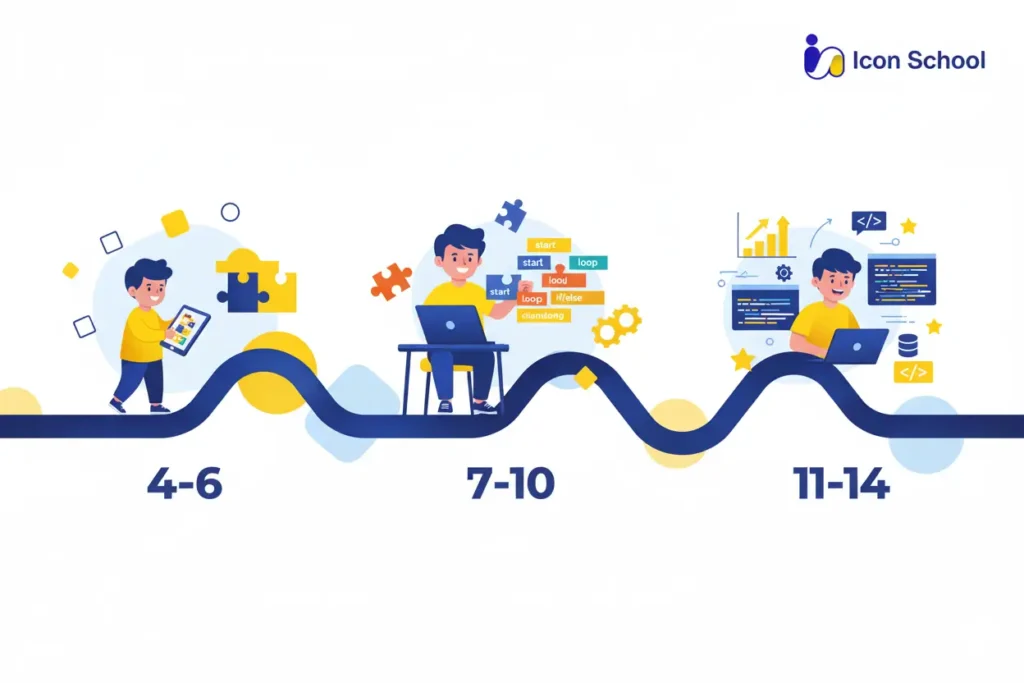
There’s no one-size-fits-all moment when a child flips a switch and becomes a coder but there are clear age brackets when game coding for kids becomes especially effective and rewarding. In the sections below, we break down three key stages (4–6, 7–10, 11–14+) so you, as a parent in Egypt, can identify the right moment to introduce game programming, match the tools to your child’s readiness, and avoid either rushing too early or waiting too long.
Early Stage (4–6 Years)
Introducing young learners (4–6 years) to game coding for kids is less about syntax and more about playful exploration. At this stage, children grasp basic logic, cause and effect, and sequencing while having fun with interactive tools.
Key considerations for this stage:
- Visual block interfaces (Scratch Jr, Tynker Jr): Simple drag-and-drop systems allow children to understand logic and cause-effect without typing code.
- Short, engaging sessions (10–20 minutes): Matches attention span and prevents fatigue while maximizing learning and retention.
- Interactive mini-projects:Tasks like moving a sprite, creating a simple maze, or triggering a sound teach sequencing and basic debugging.
- Parental involvement: Guiding and encouraging your child ensures comprehension and builds confidence early.
- Emphasis on discovery and play: Learning through trial and error fosters curiosity, persistence, and foundational computational thinking.
Elementary Stage (7–10 Years)
For ages 7–10, children can handle more structured game coding for kids, combining creativity with logic. They are ready to design mini-games, use block coding platforms, and begin understanding basic programming concepts.
Key steps and focus areas:
- Block-based platforms (Scratch, Blockly): Introduce loops, conditionals, and events, allowing children to experiment with real game logic.
- Creative storyboarding:Planning game mechanics and narratives encourages design thinking alongside coding skills.
- Short challenges and weekly goals: Provides a sense of achievement and consistent skill development.
- Integration of problem-solving exercises: Tasks like “collect coins” or “avoid obstacles” reinforce sequencing, logic, and debugging.
- Encouraging collaboration: Sharing projects with friends enhances communication skills and boosts motivation.
Middle and Advanced Stage (11–14 Years and Above)
Children aged 11–14+ are ready for advanced game coding: moving from blocks to text-based languages, exploring game design deeply, and producing projects with real-world applications.
Essential focus points:
- Text-based coding introduction (Python, Lua, JavaScript): Enables creation of complex games, teaches syntax, and strengthens logical thinking.
- Advanced game design concepts: Physics, animations, character control, and interactive storytelling develop higher-level problem-solving skills.
- Collaboration and version control: Sharing and collaborating on projects teaches teamwork, project management, and digital communication.
- Portfolio development: Building and publishing games prepares for academic competitions or future tech opportunities.
- Focus on perseverance and iterative improvement: Debugging and refining games instills resilience, patience, and a growth mindset.
Best Programming Languages for Teaching Kids Game Development
In the world of game coding for kids, choosing the right programming language can transform your child’s playtime into a purposeful educational journey. The language you pick dictates not only how easily they grasp concepts now, but also how smoothly they advance into future digital skills.
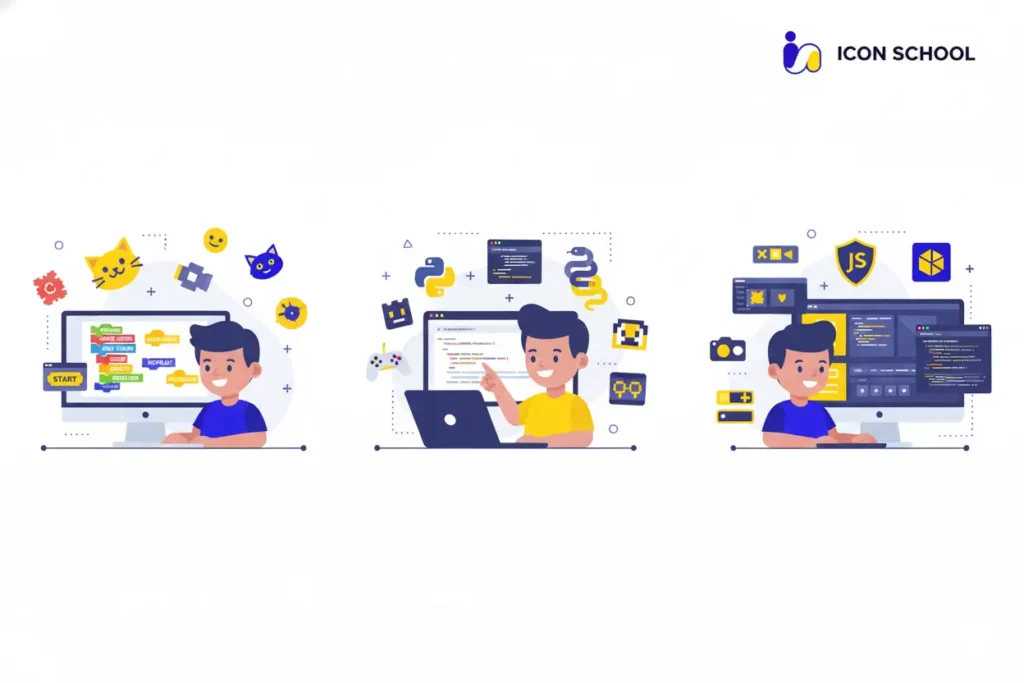
Below, we explore three key tiers of programming languages each tailored to different ages and learning levels to help your child build games, learn logic, and grow confidently.
Scratch – The Perfect Start
For children just starting out, this environment turns play into learning.
- Visual, drag-and-drop blocks over syntax: With no typing mistakes to fear, kids focus on logic and creativity instead of code errors.
- Immediate feedback via game creation: Children build characters, stories, or games and see results instantly, which boosts motivation and engagement.
- Foundation for computational thinking: Concepts like loops, conditionals, events, and sequences are introduced naturally, forming the basis for more advanced programming later.
- Accessible and inclusive for young learners: Research shows that tools like Scratch Jr and equivalent visual platforms are adopted worldwide, making coding less intimidating from the start.
Python – Gateway to Professional Programming
Once the child is comfortable with logic and game design, stepping into Python opens a new world of possibilities.
- Simple syntax, serious impact: Python’s clean, readable code lets children focus on what they want to build, rather than wrestling with language complexity.
- Real-world relevance: From game development to data science, AI, and web projects, Python is widely used, giving your child skills with long-term value.
- Encourages creativity and larger projects: With Python, tasks shift from simple drag-and-drop to writing instructions, building interactive games, and solving more complex problems.
- Strengthens problem-solving and logical thinking: Kids learn to decompose tasks, debug, iterate, and optimize skills that translate into school, life, and future careers.
Other Programming Tools and Environments
Beyond Scratch and Python, a variety of programming tools and environments enrich the learning journey, catering to interests and skill levels.
- Blockly and similar block-to-text bridges: Tools like Blockly allow kids to drag blocks and also view the generated code in languages such as JavaScript or Python, facilitating smoother transitions.
- Visual game engines with minimal code: Environments such as GDevelop or Kodu Game Lab let children build full games with visual logic and behaviors, useful for older kids or hobby-developers.
- Interactive and gamified coding platforms: Platforms enable children to code through gameplay challenges (e.g., writing code to progress levels), increasing engagement and perseverance.
- Gradual transition paths to advanced programming: These tools act as stepping-stones: after gaining confidence, children can tackle JavaScript, C#, or full game engines, supporting long-term development.
Basic Programming Concepts in Game Development
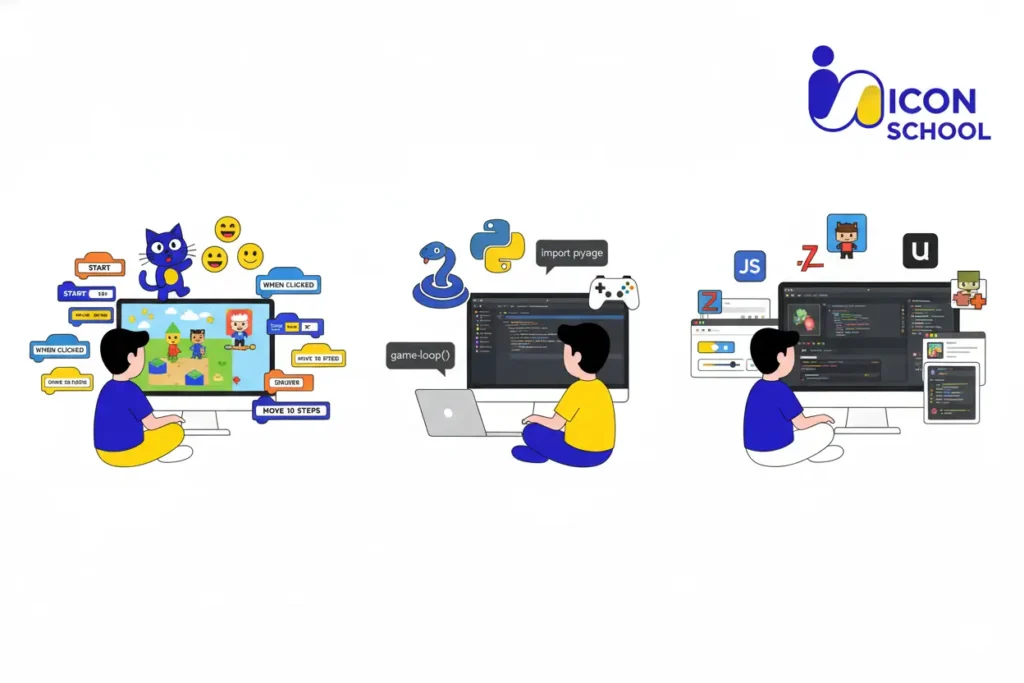
Before children dive into creating full games, understanding basic programming concepts in game development is crucial. These concepts form the backbone of all coding activities and allow children to build interactive, fun, and functional games.
By mastering these fundamentals early, kids gain confidence, logic, and problem-solving skills that extend beyond programming.
Sequences
Sequences are the building blocks of every program, defining the order of actions in a game.
- Step-by-step logic: Kids learn that the order of instructions affects the outcome, e.g., moving a character before collecting an item changes the result.
- Predictable outcomes: Sequencing teaches children to anticipate results, an essential part of debugging and problem-solving.
- Practical exercises: Simple tasks like animating a sprite or creating a short story in Scratch reinforce sequence understanding.
- Foundation for complex logic: Once children grasp sequences, they can move confidently to loops and conditional statements.
Loops
Loops allow children to repeat actions efficiently, reducing repetitive code and simplifying game development.
- Repetition without redundancy: Kids learn to automate repeated actions, like moving a character across multiple steps.
- Understanding patterns: Loops teach recognition of patterns in games, improving logical thinking and efficiency.
- Interactive exercises: Examples include creating a bouncing ball, repeating animations, or cycling through game levels.
- Preparation for advanced programming: Mastery of loops sets the stage for nested loops and more complex algorithms.
Conditional Statements (If Conditions)
Conditionals allow games to react to player actions or events, enabling dynamic gameplay.
- Decision-making in games:Kids learn to create “if…then” logic, e.g., “If the player collects a coin, add points”.
- Problem-solving skills: Teaches children to anticipate scenarios and program appropriate responses.
- Interactive challenges: Examples: making a character jump only when touching a platform or changing color when clicked.
- Foundation for AI and game logic: Conditionals are critical for branching paths, scoring, and game mechanics.
Variables
Variables store information that can change over time, such as scores, health, or levels.
- Data storage and tracking: Kids learn to store points, track progress, or record user input.
- Dynamic gameplay: Enables games to react to changing conditions, like health decreasing when hit.
- Hands-on exercises: Track scores, change colors, or keep count of items collected.
- Preparation for more complex programming: Understanding variables is essential for arrays, objects, and advanced game systems.
Functions
Functions allow children to group instructions into reusable blocks, promoting organized and efficient coding.
- Modular coding: Kids can define “jump” or “shoot” actions once and use them multiple times.
- Problem decomposition:Teaches breaking a complex task into smaller, manageable steps.
- Interactive projects: Examples: creating a function to spawn enemies, trigger sounds, or animate a character.
- Foundation for advanced game development: Functions are essential in Python, JavaScript, and other languages.
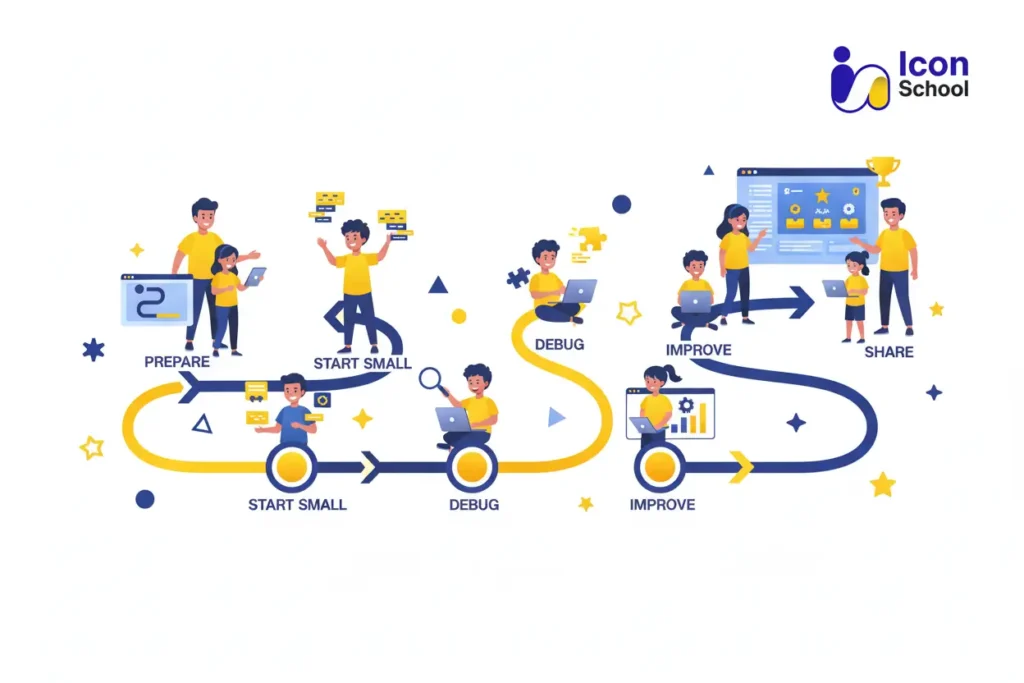
Practical Steps to Teach Your Child Game Coding
Turning your child’s interest in games into a productive skill requires a structured approach. Game coding for kids becomes meaningful and enjoyable when parents follow clear, step-by-step guidance.
By taking practical steps, children build confidence, creativity, and problem-solving skills while developing functional games they can share and improve over time.
Step One: Preparation and Setup
Before any coding begins, a proper environment and mindset are crucial.
- Choose the right tools and platforms: Select age-appropriate environments like Scratch for beginners or Python for older children.
- Create a distraction-free workspace: A dedicated area with minimal interruptions helps children focus and think logically.
- Set realistic expectations: Introduce coding as a fun learning process, not just a task, reducing pressure and frustration.
- Gather necessary resources: Tutorials, guides, and project templates provide structure while allowing flexibility for creativity.
- Parental involvement: Active encouragement and monitoring support sustained engagement and confidence.
Step Two: Starting with Simple Projects
Begin with small, achievable projects to spark interest and build foundational skills.
- Interactive mini-games: Examples include creating a moving sprite, a maze, or a simple point collection system.
- Focus on one concept at a time: Loops, conditionals, or sequences introduced individually prevent overwhelm.
- Short sessions for engagement:15–30 minute blocks maintain attention and reduce fatigue.
- Immediate results: Seeing a character move or respond to commands reinforces learning and motivation.
Step Three: Learning from Mistakes
Mistakes are a natural and essential part of coding, teaching resilience and problem-solving.
- Debugging exercises: Encourage children to identify why a sprite doesn’t move or a score doesn’t increase.
- Celebrate small victories: Recognize effort and improvement to build confidence.
- Teach trial and error: Emphasize iterative learning: changing code, testing, and refining until it works.
- Reflect on challenges: Discuss what worked, what failed, and why, fostering analytical thinking.
Step Four: Development and Expansion
Once basic projects succeed, children can expand their skills by increasing complexity and creativity.
- Add new mechanics and features: Introduce scoring systems, timers, or interactive levels.
- Transition from block to text coding: Older children can experiment with Python or JavaScript while still building games they understand.
- Encourage storyboarding and planning: Designing game flow and objectives fosters creativity and logical sequencing.
- Introduce peer collaboration: Working with friends or siblings enhances communication and teamwork skills.
Step Five: Sharing and Evaluation
Sharing games with peers and evaluating results reinforces learning, confidence, and long-term skill development.
- Showcase projects: Encourage kids to present their games to family, friends, or online platforms.
- Collect feedback: Constructive feedback helps children identify areas for improvement and inspires innovation.
- Encourage iteration: Refining and improving the game based on feedback teaches persistence and critical thinking.
- Celebrate achievements: Recognizing progress motivates continued learning and reinforces the value of effort.
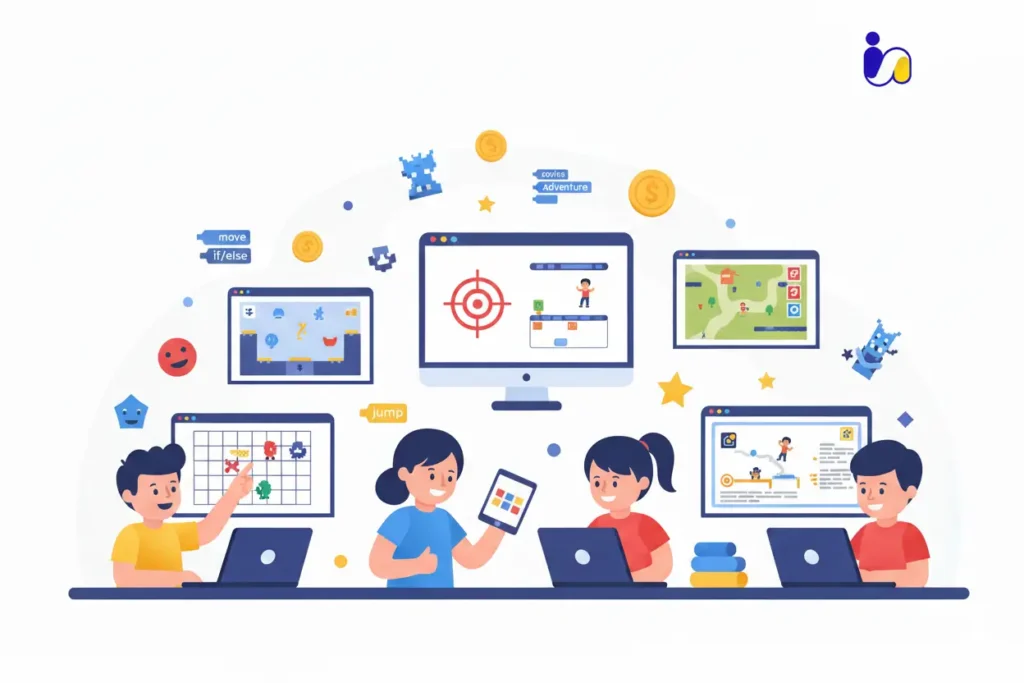
Examples of Games Kids Can Code
Turning concepts into real games is the most exciting part of game coding for kids. Practical examples inspire creativity and show children that their ideas can become interactive experiences. By exploring games of different levels, children gain confidence and skills that grow with them, preparing them for more complex projects.
Real-life examples highlight how beginners start small and progressively tackle more advanced challenges.
Beginner Level Games
For children just starting, simple game projects deliver early success and spark ongoing interest.
- Maze or Puzzle Games: Platforms like Scratch help young coders create sprite-based mazes, reinforcing sequencing and logic.
- Clicker or Collect Games: Simple “click to collect” projects teach event triggers and counters. A credible model: kids using Icon School early coding programs build collectible-object games in short 10–20 minute sessions.
- Animated Stories: Story-based projects where sprites move or speak help reinforce cause-and-effect and basic event logic, transitioning young learners from passive users to creators. Studies show that serious games with animation boost engagement even at young ages.
Intermediate Level Games
At the intermediate stage, children begin applying multi-step logic, conditionals, and user interaction to build richer experiences.
- Platformer Games: Using platforms like Scratch or block-to-text bridges, kids design games where characters jump, avoid obstacles, and collect items. For example, courses by Icon School include projects like “Space Adventure” built on Scratch and JavaScript.
- Quiz and Trivia Games: Logic and scoring mechanics feature prominently: kids build quizzes that respond to inputs, track scores, and unlock next levels great for reinforcing conditionals and variables.
- Simple Adventure Games: Branching narratives where player choices determine outcomes teach planning and conditional logic. In the study of the game Code Critters (2024), children used loop-based logic through a gameplay interface showing that more advanced concepts are approachable.
Advanced Level Games
For older children ready to move beyond block coding, advanced game design merges multiple concepts, larger scope, and often text-based languages.
- 2D Arcade Games with Python or JavaScript: Kids transition to writing code in text form, creating 2D arcade titles with multiple levels, collision detection, and scoring systems, where children build “My AI Friend Giga” and other text-coding games.
- Strategy or Simulation Games: With loops, variables, functions, and branching logic, children design simulations or management-style games preparing for serious game development or STEM projects.
- Interactive Story Games with Text-Code: Older learners build narrative games where commands, branching logic, and player choices converge.
- Portfolio and Collaboration Projects: Beyond solo builds, advanced children work in teams, use version control, or publish shareable games, mirroring real-developer workflows and positioning them for future academic or career pathways.
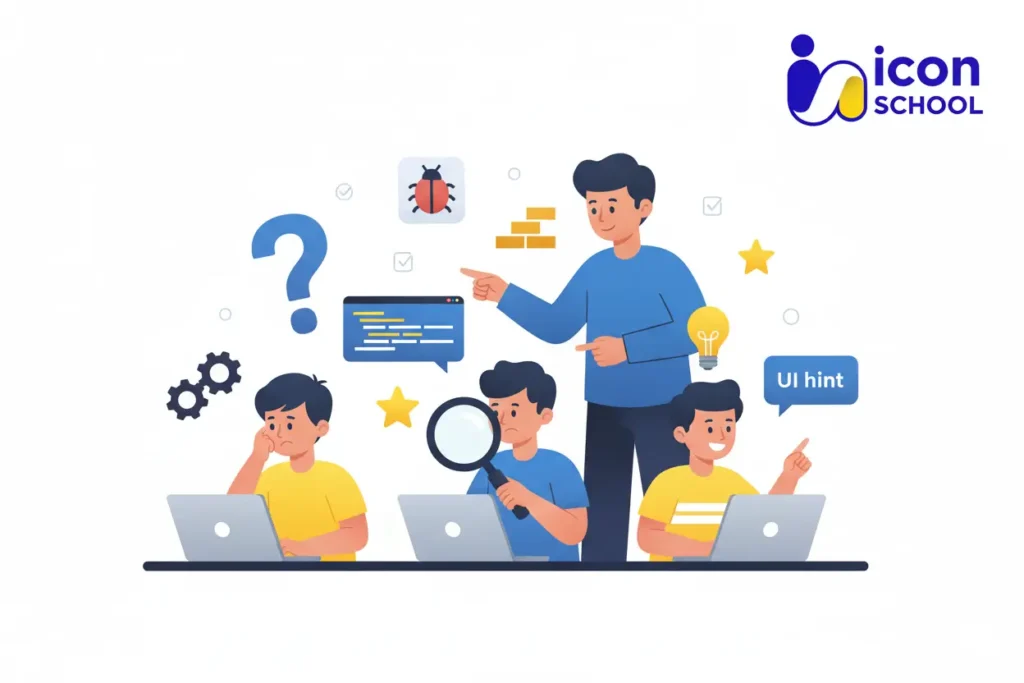
Common Challenges and How to Overcome Them
Even the most enthusiastic young coders can face obstacles when learning game coding. From losing interest to struggling with complex concepts, these challenges are natural.
Understanding common difficulties and implementing practical solutions ensures that children continue to learn confidently while enjoying their coding journey. Addressing these challenges early creates a positive and sustainable learning experience.
Loss of Enthusiasm After Starting
Maintaining excitement is key to consistent learning.
- Set achievable milestones: Breaking projects into smaller tasks allows children to experience frequent successes, keeping motivation high.
- Gamify learning: Adding rewards, badges, or storytelling elements transforms challenges into fun achievements.
- Celebrate creativity: Encourage personal touches in projects to make coding feel more meaningful.
- Rotate projects: Alternating between different types of games prevents monotony and refreshes interest.
Difficulty Understanding Programming Concepts
Complex concepts can overwhelm beginners.
- Use visual and interactive tools: Platforms like Scratch or Blockly make abstract ideas tangible.
- Relate concepts to real-life scenarios: Explaining loops as “repeating steps like brushing teeth” or variables as “containers storing scores” makes them relatable.
- Encourage step-by-step experimentation: Kids learn faster by trying, failing, and adjusting their code.
- Provide instant feedback: Immediate results help children connect actions with outcomes, enhancing comprehension.
Time and Commitment Problem
Balancing coding with schoolwork and play can be challenging.
- Schedule short, consistent sessions: 20–30 minutes daily or several times a week ensures steady progress without fatigue.
- Integrate coding with existing hobbies: Link coding projects to interests like art, music, or storytelling.
- Set realistic goals: Avoid overwhelming children with large projects; small victories build momentum.
- Parental support: Guidance and encouragement help maintain commitment and accountability.
Technology and Screen Time Concerns
Parents often worry about excessive screen exposure while learning coding.
- Blend digital and offline activities: Use pen-and-paper storyboards, planning, or algorithm sketches alongside coding.
- Implement healthy breaks: Encourage movement or other non-screen activities after sessions.
- Monitor content and tools: Ensure children use safe, educational platforms designed for learning.
- Focus on purposeful screen use: Emphasize that coding is an active, skill-building activity, not passive entertainment.
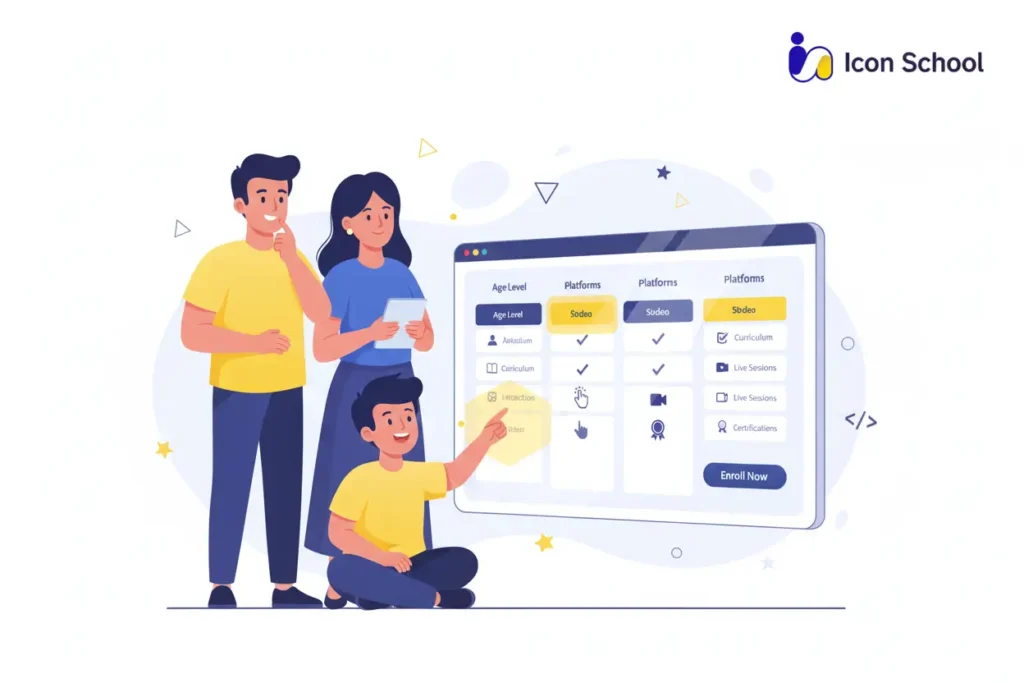
How to Choose the Right Educational Program for Your Child
Choosing the right educational program is a pivotal step in ensuring your child thrives in game coding for kids. The right program balances learning, creativity, and engagement, allowing children to develop coding skills while enjoying the process.
Understanding key selection factors ensures that parents make informed decisions, ultimately shaping their child’s confidence, problem-solving abilities, and digital future.
Basic Selection Criteria
Selecting a program begins with evaluating the essentials that guarantee effective learning.
- Age-appropriate curriculum: Ensure lessons match the child’s developmental stage and prior experience.
- Structured learning path: Progressive modules that build from simple to complex concepts prevent frustration and support skill development.
- Hands-on projects: Interactive assignments help children apply knowledge immediately and see tangible results.
- Qualified instructors: Educators with experience in both coding and teaching children foster effective learning.
- Flexible pace: Programs that allow children to learn at their own speed accommodate different learning styles.
- Trial sessions or demos: Opportunities to experience the program before committing ensures suitability.
Importance of Community and Support
Beyond curriculum, a supportive environment significantly impacts learning outcomes.
- Peer interaction: Engaging with classmates promotes collaboration, teamwork, and motivation.
- Mentorship and guidance: Access to mentors helps children overcome challenges and encourages continuous improvement.
- Parental engagement resources: Programs providing progress reports or guidance for parents ensure ongoing support at home.
- Active discussion forums: Online communities allow sharing of projects, ideas, and solutions, reinforcing learning.
- Problem-solving assistance: Quick support for coding issues prevents discouragement and keeps children engaged.
- Celebration of achievements: Recognition within the community fosters motivation and a sense of accomplishment.
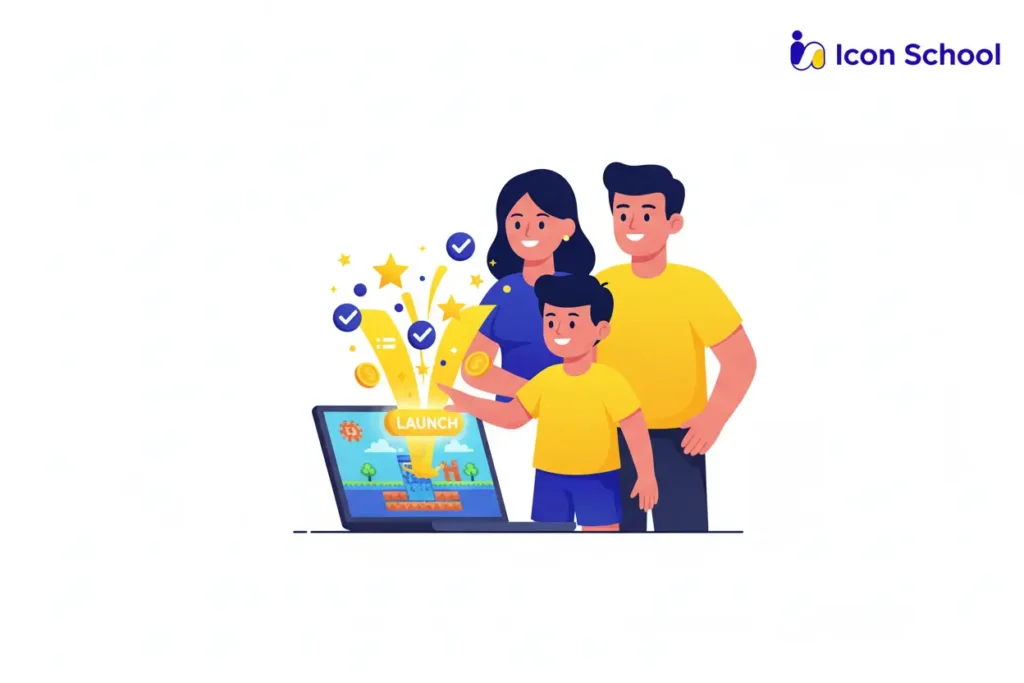
Why Icon School Is the Optimal Choice
Icon School combines curriculum excellence with a strong support system, creating a unique learning experience.
- Interactive, hands-on projects: Children build real games from day one, learning by doing.
- Step-by-step progression: Structured modules from beginner to advanced ensure mastery of concepts.
- Expert instructors: Experienced educators with both coding and teaching expertise guide children effectively.
- Strong community network: Students engage with peers, share projects, and receive mentorship.
- Parental involvement: Icon School provides updates, resources, and workshops for parents to track progress.
- Flexible learning options: Online and blended learning formats accommodate different schedules.
- Focus on creativity and problem-solving: Projects encourage critical thinking and innovative solutions.
- Proven track record: Success stories from past students highlight the effectiveness of the program.
Start your child’s game coding journey today and unlock their full creative and problem-solving potential. With Icon School’s expert guidance, hands-on projects, and supportive community, your child can transform curiosity into real digital skills.So don’t wait to enroll now and give your child the tools to build their digital future with confidence and fun.