
How to Learn Coding for Kids: A Guide for Parents and Teachers
Are you worried that your kids spends hours in front of screens without truly learning or creating? Learning how to code for children is the key to transforming screen time into a powerful journey of digital creativity, logical thinking, and problem-solving.
Icon School provides an easy, structured, and engaging path tailored for parents and teachers, ensuring your kids not only learns to code but enjoys every step. Keep reading to discover how to turn curiosity into real digital skills today.
Why Learn Coding for kids Is Important in 2025
In 2025, the question isn’t whether to teach kids coding but when and how. With the tech wave sweeping every sector, knowing how to learn coding for children has become a powerful opportunity for parents and teachers in Egypt.
At Icon School we provide a structured, step-by-step pathway, helping your kids move from screen consumer to confident digital creator. Keep reading to discover the cognitive, life-skill, and future-opportunity benefits that make coding essential today.
Cognitive and Mental Benefits
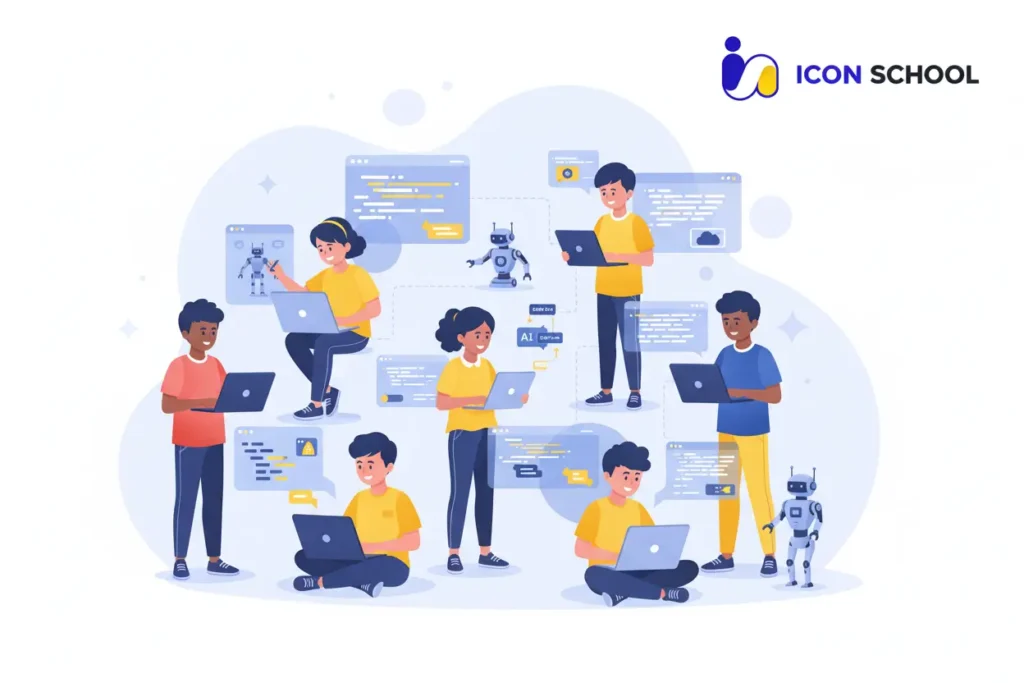
Kids who learn how to code and program gain far more than the ability to write lines of code. They develop mental muscles that help in school, life, and future careers.
- Computational thinking: Children learn to analyze problems, identify patterns, and design step-by-step solutions. A 2025 study confirms block-based coding enhances these abilities in children aged 6–12.
- Logical reasoning and sequencing: Debugging teaches children to break complex problems into manageable steps.
- Memory and focus improvement: Coding exercises strengthen working memory and attention span.
- Resilience and persistence: Trial-and-error learning fosters comfort with mistakes and iterative thinking.
- Academic enhancement: Coding supports math skills, logic puzzles, and reading comprehension through structured problem-solving.
- Cognitive flexibility: Children learn to adapt solutions when initial attempts fail, a skill transferable to all learning areas.
Life and Social Skills
When children learn how to do coding, they practice essential life skills in a digital-first world.
- Creativity and digital imagination: From designing games to creating apps, children express ideas visually and practically.
- Collaboration and teamwork: Many Icon School projects involve group challenges, teaching communication, peer feedback, and joint problem-solving.
- Confidence and self-efficacy: Completing a project boosts self-esteem and motivates tackling new challenges.
- Responsibility and digital citizenship: Kids learn ethical coding, safe online behavior, and understanding tech impacts.
- Communication and storytelling skills: Explaining how code works improves verbal and written articulation.
- Patience and planning: Managing project timelines teaches organization and goal-setting from a young age.
- Adaptability to tech changes: Exposure to coding prepares children to embrace new tools and platforms confidently.
Future Opportunities
Parents and educators investing in kids programming languages secure long-term advantages.
- Career readiness: Early coding experience prepares children for tech-centric careers and strengthens STEM skills.
- Entrepreneurial thinking: Kids learn to prototype ideas, test solutions, and develop products, fostering innovation.
- Adaptability in a changing landscape: Skills like problem-solving and computational thinking ensure resilience in a rapidly evolving job market.
- Global competitiveness: Children with coding experience are more competitive internationally, understanding digital systems and logic.
- Creative expression: Programming enables children to design games, apps, and animations, turning ideas into tangible products.
- Higher-order thinking skills: Coding encourages abstract reasoning, hypothesis testing, and innovation.
- Long-term digital literacy: Knowledge of programming languages builds the foundation for lifelong tech proficiency.
The Right Age to Start Teaching Kids Coding
Choosing the right age to guide a kids on how to learn coding is less about numbers and more about readiness, curiosity, and support. As parents and teachers in Egypt look to prepare children for a digital future, knowing when and how to initiate coding education makes all the difference.
With Icon School’s age-graded learning path, each phase is tailored to the child’s cognitive and developmental stage ensuring coding remains fun, effective, and skill-building. Below, explore the ideal starting points and strategies for each major age group.
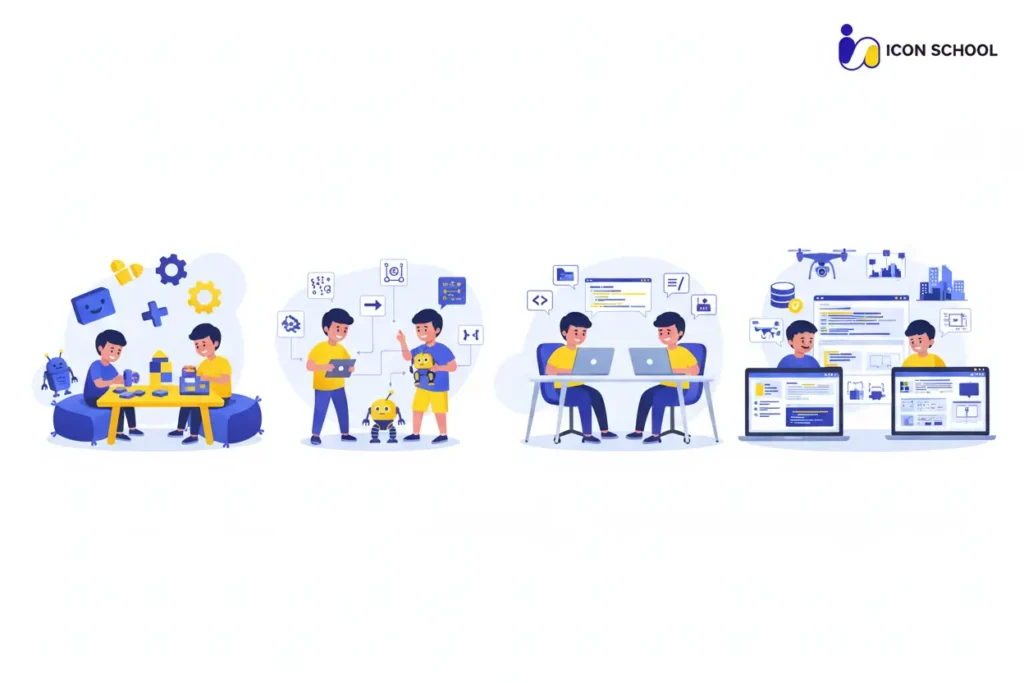
Age Group 4–6 Years: Starting with Play
Children ages 4–6 benefit from engaging, game-like experiences that plant the seeds of programming without pressure. At this stage:
- Use block-based visual coding and apps like drag-and-drop environments that build basic sequencing and logic. According to the Raspberry Pi Foundation, children can begin exploring tools such as ScratchJr around the age of six.
- Leverage storytelling and physical play to make abstract concepts concrete—young brains learn best when coding feels like play, not a task.
- Focus on short sessions15–20 minutes of interactive coding or robotics kits keep attention spans engaged and positive.
- Encourage curiosity over competence: This is a discovery phase, where children learn that they can direct digital tools, not just consume them.
Age Group 7–10 Years: Visual Programming
Between ages 7 and 10, children are ready to move from pure play to structured creativity. At this phase:
- Introduce platforms like Scratch or Blockly where kids use visual blocks to build games and animations, bridging play and logic.
- Begin discussing basic concepts: loops, conditionals, variables, without overwhelming syntax. According to CodeYoung, this age is ideal for building foundational digital literacy.
- Encourage personal projects: At Icon School, learners at this age choose a mini-game or interactive story to build, reinforcing agency and momentum.
- Embed regular showcase moments: When children share their project with family or friends, it boosts motivation and reinforces learning pathways.
Age Group 11–14 Years: Text-Based Programming
Entering early teens, children’s language, typing, and abstract thinking skills all mature, making this the perfect stage to start text-based programming.
- Transition into languages like Python, HTML/CSS, or JavaScript where typing and syntax are part of the learning. The Raspberry Pi Foundation identifies 9–10+ as a good age for this move.
- Focus on debugging and iteration: Teens learn that coding isn’t about perfection, it’s about testing, correcting, improving. Recent research from Educational Technology Quarterly shows this phase strongly benefits computational thinking.
- Emphasize portfolio mindset: Students start keeping a record of their work, screenshots, code snippets, and project descriptions that showcase progress and fuel longer-term engagement.
Age Group 15–17 Years: Specialization and Professionalism
For teens aged 15–17, coding becomes not just a skill but a potential passion, specialization, or career springboard.
- At this stage, Icon School guides learners toward advanced languages and frameworks, such as Unity (C#), mobile app development, or even introductory AI and data science tasks. Industry articles indicate older teens benefit from structured pathways that mirror real-world tech roles.
- Promote independent project work: Teens select a problem they want to solve an app, website, or tool and drive it end-to-end, learning project management, version control (e.g., Git), and collaboration.
- Encourage industry awareness and credentials: High-school coding with real projects prepares learners not just for university, but for internships, competitions, and early career opportunities.
- Support reflection and next-step planning: At Icon School, we help teens map their journey beyond high school, whether deeper CS studies, game dev, robotics, or entrepreneurship, so coding becomes a strategic asset, not just a hobby.
Best Programming Languages for Teaching Kids
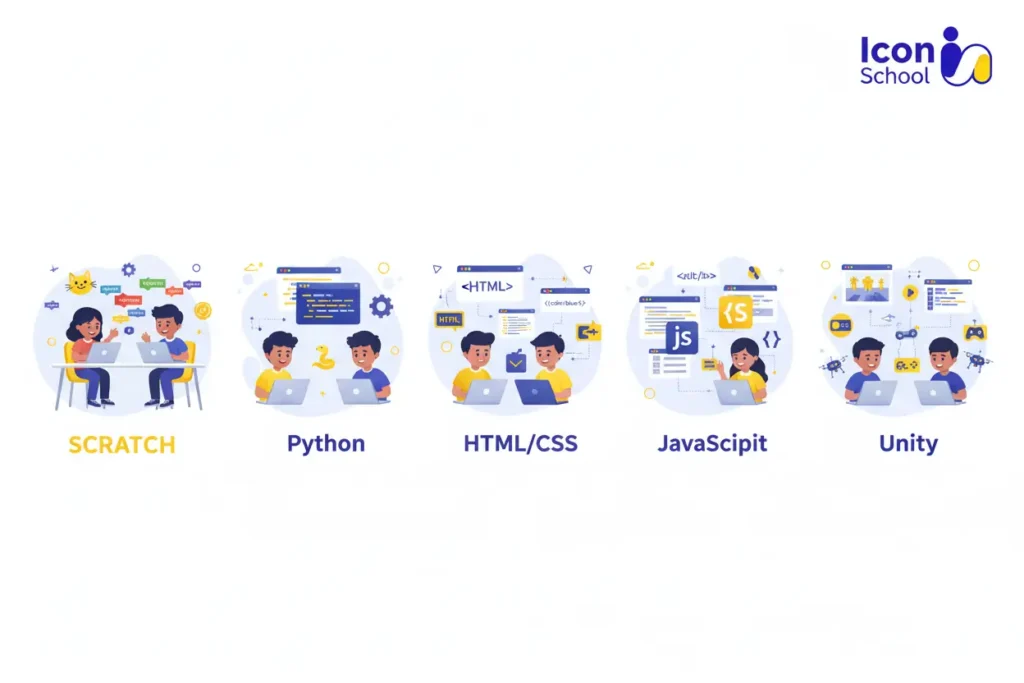
In today’s digital age, equipping children with the ability to learn how to code is about choosing the right tools at the right time. At Icon School, we guide parents and teachers in Egypt through an age-aware coding journey that connects each programming language with skills, curiosity, and real progress. Below we explore five of the best programming languages for kids: why they matter, when to use them, and how they build a lasting foundation.
Scratch: The Perfect Beginning
Scratch is ideal for beginners, turning coding into a playful, visual activity without syntax pressure. It helps kids understand the logic of programming while encouraging creativity.
- Visual logic and sequencing: Drag-and-drop blocks teach loops, events, and conditionals in an intuitive, hands-on way.
- Creativity and storytelling: Kids can design animations, interactive stories, and mini-games, applying logic in imaginative ways.
- Immediate visual feedback: Children see the results of their actions instantly, reinforcing learning and building confidence.
- Problem-solving and resilience: Debugging teaches iterative thinking, patience, and persistence.
- Collaboration opportunities: Scratch projects can be shared and modified collaboratively, building early teamwork skills.
- Early computational thinking: Enhances pattern recognition, algorithmic reasoning, and logical analysis from ages 6–9.
Python: Most Popular Language for Beginners
Python provides a simple, readable text-based introduction to coding, ideal for children ready to transition from visual programming.
- Clean, easy-to-read syntax: Commands resemble natural language, reducing learning frustration.
- Foundation for STEM projects: Integrates with robotics, AI, and data science kits for hands-on learning.
- Enhances logical reasoning: Supports abstract thinking and problem decomposition through structured code.
- Project-based learning: Kids create calculators, mini-games, simulations, and interactive stories.
- Debugging skills: Encourages attention to detail, persistence, and iterative thinking.
- Real-world relevance: Python introduces students to industry-relevant concepts like data structures and basic algorithms.
HTML and CSS: Gateway to Web Development
HTML and CSS teach children how websites are structured and styled, offering immediate visual results.
- Instant results: Minor changes reflect immediately on-screen, keeping children engaged.
- Logical structure: HTML teaches content organization; CSS introduces styling and design principles.
- Foundation for interactivity: Sets the stage for JavaScript and dynamic projects.
- Design thinking skills: Children learn to balance aesthetics and functionality.
- Responsive experimentation: Kids can test different layouts, colors, and designs, enhancing creativity.
- Preparation for advanced projects: HTML/CSS knowledge supports portfolio creation and early web app design.
JavaScript: Adding Interactivity
JavaScript enables children to create dynamic, interactive apps, enhancing web programming skills.
- Interactive projects: Build quizzes, mini-games, animations, and interactive web pages.
- Logical and conditional thinking: Variables, loops, and conditions become meaningful in real projects.
- Front-end and full-stack preparation: Introduces frameworks and DOM manipulation for more complex projects.
- Project completion skills: Encourages planning, testing, and refining interactive content.
- User experience awareness: Kids learn how design decisions affect usability and engagement.
C# and Unity: Professional Game Creation
C# paired with Unity allows teens to create professional-grade games and complex interactive projects.
- Cross-platform game development: Mobile, desktop, AR/VR capabilities provide real-world relevance.
- Advanced technical skills: Scripting, asset management, physics, and game mechanics.
- Project-based learning: Teens manage full-cycle game projects, from concept to deployment.
- Collaboration and portfolio development: Prepares for competitions, internships, and potential career paths.
- Complex problem-solving: Enhances algorithmic thinking and debugging in a professional environment.
- Creativity and entrepreneurship: Teens can design games with monetization or social impact ideas.
Practical Steps to Learn How to Code and Program from Scratch
Teaching a kids how to learn coding can seem daunting, especially for parents and teachers who worry about where to start, which tools to use, or how to keep their kids motivated.
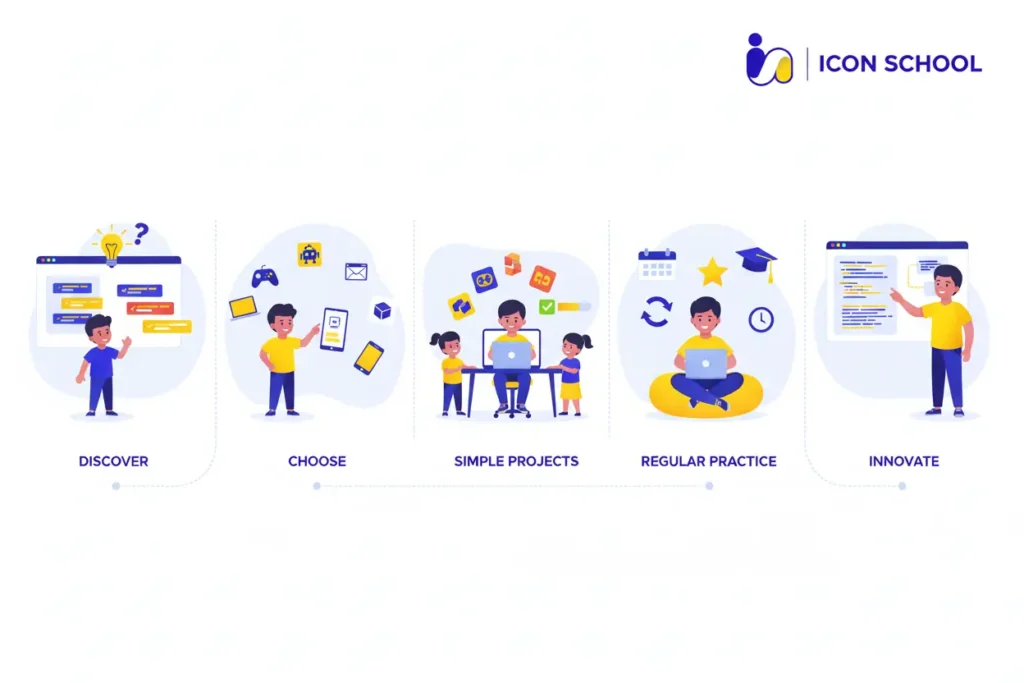
At Icon School, we simplify this journey with a structured, age-appropriate roadmap that guides children from curiosity to proficiency. Our integrated approach ensures that every step—assessment, tools, projects, and ongoing support is practical, engaging, and aligned with your child’s long-term digital growth.
Step One: Assess Child’s Interests and Readiness
Before choosing any coding language or curriculum, understanding your child’s interests and cognitive readiness is crucial.
- Observe curiosity and problem-solving tendencies: Look for natural interest in technology, games, storytelling, or logic puzzles.
- Identify attention span and learning style: Younger children may respond better to play-based activities, while older kids can handle structured challenges.
- Discuss motivation: Understanding what excites them games, animations, apps helps tailor projects for sustained engagement.
- Set realistic expectations: Clarify that coding is iterative and problem-solving is part of the fun.
Step Two: Choose the Appropriate Learning Path
Selecting the right path ensures progress without frustration.
- Match language to age and skills: Scratch for 6–9 years, Python for 9–13, HTML/CSS and JavaScript for 10–15, C#/Unity for 14+
- Plan progression: Gradually increase complexity and introduce real-world applications.
- Incorporate project-based learning: Learning by doing accelerates retention and engagement.
- Align with personal interests: Tailored paths boost motivation and long-term commitment.
Step Three: Provide Suitable Environment and Tools
A supportive environment maximizes learning efficiency.
- Dedicated workspace: Quiet, organized, and comfortable area reduces distractions.
- Proper hardware and software: Age-appropriate devices, coding apps, and platforms ensure smooth learning.
- Parental involvement: Parents should observe, encourage, and participate when necessary.
- Access to resources: Online tutorials, videos, and coding kits reinforce learning outside structured lessons.
Step Four: Start with Simple and Fun Projects
Practical application is essential for comprehension and motivation.
- Small achievable tasks: Mini-games, animations, or simple apps allow children to see tangible results.
- Gradual complexity: Begin with visual blocks, then move to text-based programming.
- Celebrate success: Positive reinforcement strengthens engagement and confidence.
- Integrate creativity: Encourage children to personalize projects with colors, stories, or music.
Step Five: Encourage Continuous Learning and Practice
Consistency and practice build proficiency.
- Set regular coding times: Short, frequent sessions are more effective than long, occasional ones.
- Project variety: Rotate between games, web pages, and mini-apps to reinforce different skills.
- Gamified learning: Points, badges, or coding challenges increase motivation.
- Track progress: Maintain a portfolio of projects to visualize growth and milestones.
Step Six: Continuous Support and Follow-up
Ongoing guidance ensures children overcome challenges and remain motivated.
- Mentorship and tutoring: Experienced instructors can clarify difficult concepts.
- Parental encouragement: Discuss successes, troubleshoot together, and celebrate milestones.
- Community involvement: Coding clubs or online communities provide peer support and collaboration.
- Review and adapt learning paths: Adjust difficulty and projects based on the child’s evolving skills and interests.
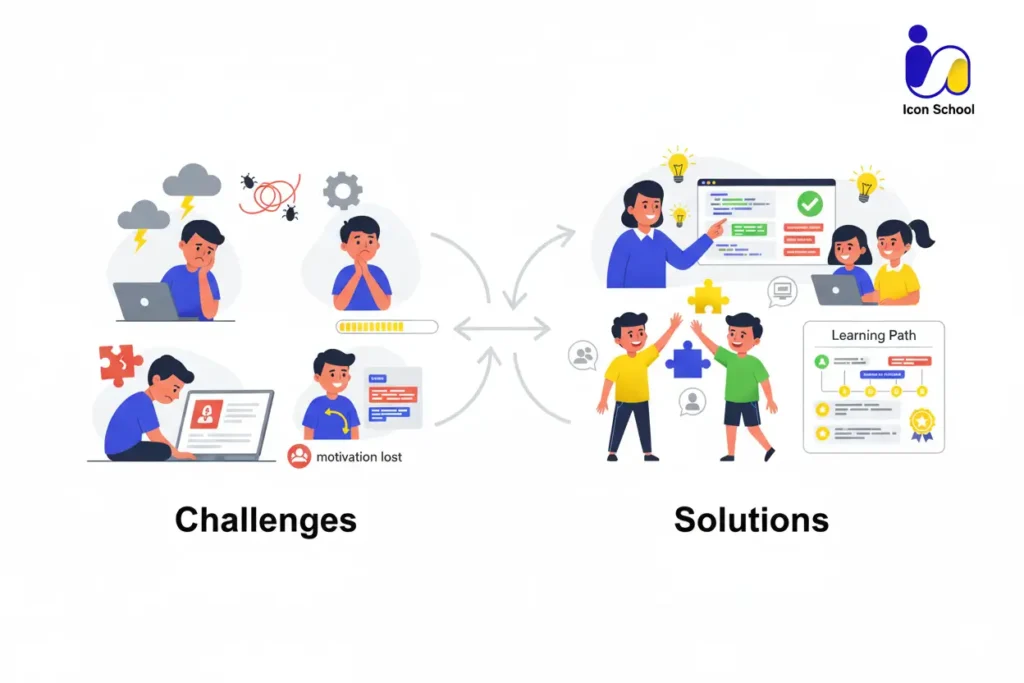
Common Challenges and How to Overcome Them
Learning to code can be exciting, but children and parents often face hurdles that may slow progress. At Icon School, we understand these common challenges and provide structured solutions that keep children motivated, supported, and confident.
By addressing these obstacles head-on, parents can ensure their child’s coding journey is both enjoyable and productive.
My kids Loses Enthusiasm Quickly
It’s normal for children to become bored or frustrated if tasks are too repetitive or complex.
- Introduce gamified learning: Platforms with rewards, levels, and badges maintain engagement.
- Short, frequent sessions: 20–30 minute coding activities prevent fatigue and maintain focus.
- Project variety: Rotate between games, animations, and mini-apps to keep learning exciting.
- Celebrate small wins: Recognize even minor accomplishments to boost confidence.
- Encourage creativity: Allow children to customize projects with colors, stories, or music.
I’m Not a Programmer, How Can I Help?
Parents often worry they lack the skills to support their child’s coding education.
- Structured guidance from Icon School: Teachers provide step-by-step instructions, resources, and mentorship.
- Parental involvement in non-technical ways: Encouraging practice, reviewing projects, and celebrating progress.
- Collaborative projects: Kids can explain their code, enhancing understanding while parents learn alongside them.
- Accessible tutorials and visual platforms: Tools like Scratch and Tynker make coding intuitive for beginners.
- Community support: Parents can access forums, webinars, and guidance from educators.
English Content Is Difficult for My Child
Many coding resources are in English, which may be challenging for younger children or beginners.
- Localized platforms: Use services with Arabic translations or bilingual instruction.
- Icon School’s tailored guidance: Teachers provide explanations in the child’s preferred language.
- Visual programming tools: Block-based coding reduces reliance on reading comprehension.
- Gradual introduction to technical English: Teach common coding terms contextually while working on projects.
- Interactive tutorials: Visual feedback and examples reduce language barriers and make learning intuitive.
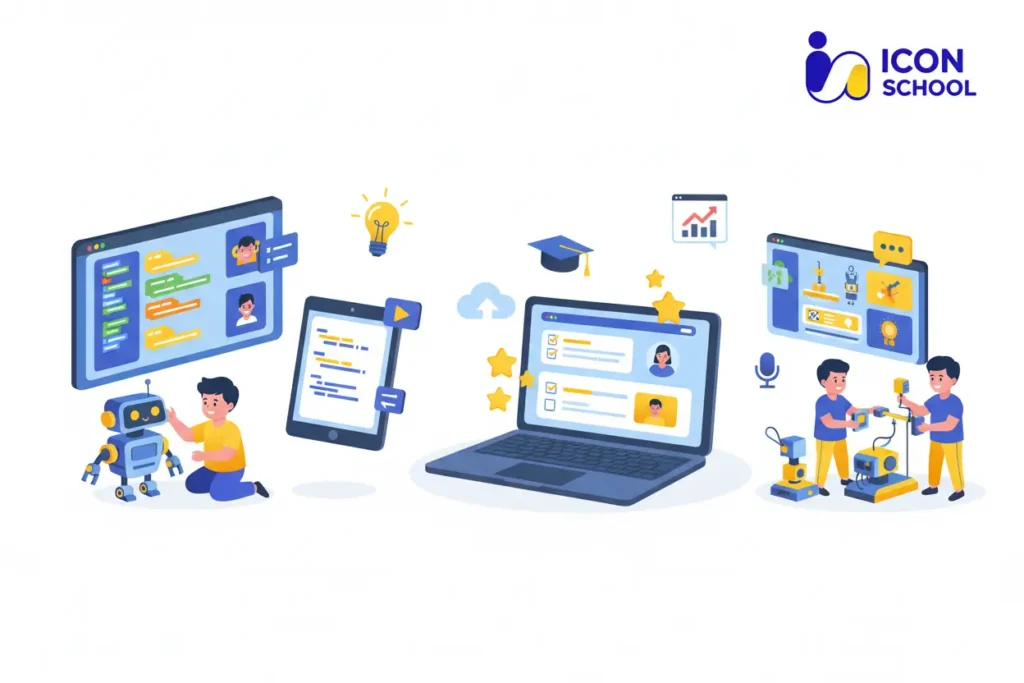
Tools and Platforms for Teaching Kids Coding
Choosing the right tools and platforms is critical for children to learn how to code and program effectively. At Icon School, we provide a curated set of platforms and resources that combine fun, engagement, and educational rigor, ensuring every kids can develop coding skills at their own pace.
The following tools make coding accessible, interactive, and rewarding for children of different ages and experience levels.
Specialized Educational Platforms
Structured, kid-focused platforms guide children step by step, blending interactive lessons with real projects.
- Scratch: Drag-and-drop blocks for beginners to learn logic and sequencing.
- Offers structured courses for various age groups with gamified exercises.
- Progressive coding paths from visual blocks to Python and JavaScript projects.
- Beginner-friendly lessons in Python, JavaScript, and web development.
- Games that teach coding logic, loops, and conditional thinking for younger children.
Free Coding Tools
Free tools make coding accessible to everyone, enabling children to practice outside formal classes.
- Completely free, browser-based platform for building animations and games.
- Offers free coding environments for Python, JavaScript, and other languages, with collaboration features.
- Interactive tutorials in JavaScript, HTML/CSS, and SQL.
- Access to free developer tools for teens interested in more advanced projects.
- Free educational games that teach basic programming logic through puzzles.
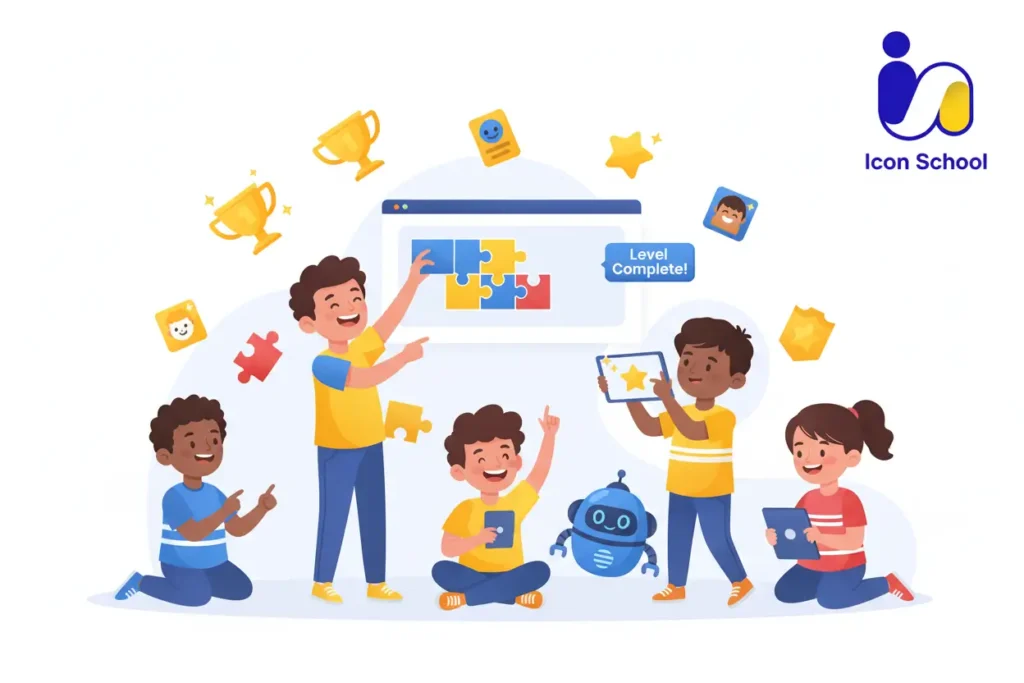
Golden Tips for Making Learning Fun and Sustainable
Ensuring that a kids enjoys learning how to do coding is key to long-term success. At Icon School, we focus on strategies that transform coding from a task into an exciting journey. By integrating creativity, gamification, and recognition into the learning process, children stay motivated, develop strong problem-solving skills, and build sustainable digital habits.
The tips below provide practical ways for parents and teachers to make coding engaging and enjoyable while nurturing a lifelong love for technology.
Make Learning a Game, Not a Chore
Transforming coding lessons into playful challenges keeps children engaged and excited.
- Gamified lessons: Use coding platforms that reward points, badges, or levels to maintain motivation.
- Coding challenges and mini-competitions: Encourage friendly contests between siblings or classmates to foster healthy competition and collaboration.
- Story-based projects: Children learn better when they are part of a narrative, such as creating characters, animations, or interactive stories.
- Immediate visual feedback: Platforms that allow instant results make learning satisfying and tangible.
- Progress tracking: Monitor completed tasks and milestones to visualize achievements.
Encourage Creativity and Experimentation
Coding is not just about rules; it’s about expression and problem-solving.
- Allow project personalization: Let kids choose colors, characters, or themes to make projects their own.
- Experiment with multiple solutions: Encourage them to try different ways to solve the same problem.
- Integrate art, music, and storytelling: Multi-disciplinary projects enhance engagement and cognitive development.
- Encourage curiosity-driven learning: Children explore coding concepts best when they can ask questions and follow their interests.
- Safe failure environment: Teach kids that errors are learning opportunities rather than setbacks.
Celebrate Small Achievements
Recognizing progress reinforces positive habits and builds confidence.
- Mini milestones: Reward finishing a project or solving a coding challenge.
- Showcase work: Let kids present their games, animations, or apps to family or peers.
- Positive reinforcement: Praise creativity, effort, and problem-solving skills, not just results.
- Certificates or digital badges: Formal recognition can increase motivation and a sense of accomplishment.
- Reflect on growth: Review previous projects to demonstrate progress and inspire further learning.
Balance Screen Time with Real Life
Sustainable coding habits include healthy routines and balanced lifestyles.
- Scheduled breaks: Ensure children take regular pauses to rest eyes and stretch.
- Offline coding activities: Paper-based logic puzzles or flowchart exercises strengthen computational thinking without screens.
- Physical activities: Encourage exercise and outdoor play to maintain focus and mental energy.
- Family involvement: Coding together or discussing projects fosters engagement without overexposure.
- Mindfulness and reflection: Teach children to step back, review work, and plan improvements calmly.
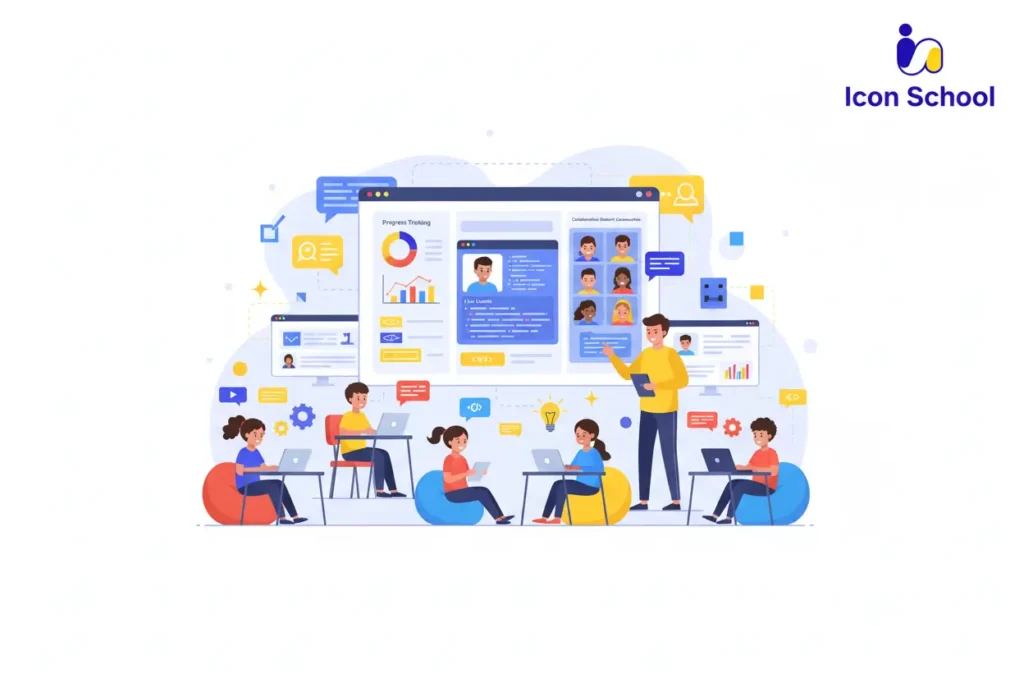
How Icon School Helps You Learn How to Do Coding
For parents and teachers seeking a practical and reliable solution for learning how to do coding, Icon School offers an integrated approach that transforms curiosity into real skills.
By combining structured pathways, expert guidance, and a collaborative community, Icon School ensures every kids in Egypt can progress from beginner to confident coder while enjoying the process. Here’s how we make coding education effective, engaging, and sustainable.
Integrated Learning Pathways
Icon School provides a clear roadmap for children to develop coding skills progressively.
- Age-appropriate curriculum: Tailored paths from visual programming for younger kids to advanced text-based languages for teens.
- Step-by-step skill building: Each stage builds on previous knowledge, ensuring no gaps in understanding.
- Project-based learning: Students apply theory to real projects, from games to web apps, reinforcing retention.
- Flexible pace: Children can progress according to their individual learning style and confidence.
- Long-term skill development: Focus on problem-solving, logical thinking, and digital creativity as foundational competencies.
Specialized Teachers and Precise Follow-up
Expert guidance ensures children receive personalized support throughout their coding journey.
- Experienced instructors: Teachers trained in child-centric programming education provide clear explanations and practical advice.
- Continuous assessment: Regular evaluations track progress and highlight areas for improvement.
- Individualized feedback: Each kids receives tailored suggestions to strengthen their coding skills.
- Motivation and encouragement: Teachers help maintain enthusiasm and overcome challenges.
- Safe learning environment: Structured guidance ensures children can experiment freely without frustration.
Active Learning Community
Learning coding is more effective when children are part of a collaborative and supportive network.
- Peer interaction: Kids share projects, ideas, and challenges with other learners, fostering collaboration.
- Mentorship opportunities: Older or more experienced students guide beginners, enhancing understanding.
- Coding clubs and competitions: Healthy challenges develop confidence, teamwork, and creativity.
- Parental involvement: Parents can track progress, engage in projects, and celebrate achievements.
- Continuous engagement: Community events and updates keep students inspired and connected to the learning journey.
Unlock your child’s potential in the digital world with Icon School. By providing structured learning paths, expert guidance, and engaging projects, Icon School turns curiosity into real coding skills. So don’t wait to empower your kids to develop logical thinking, creativity, and future-ready skills while having fun and start their coding journey today and watch them thrive.