
Scratch Programming for Kids: A Complete Beginner’s Guide
If you’ve ever imagined your child creating their own games, animations, or interactive stories instead of just consuming content, then Scratch programming for kids is the perfect start. In a world driven by technology, children who learn Scratch gain essential digital skills, logical thinking, and confidence to build their own ideas from scratch. With Icon School, learning becomes fun, engaging, and future-focused.
Curious about how Scratch can shape your child’s future?, Keep reading to discover everything you need to know with Icon School by your side.
What Is Scratch and Why Is It Best for Teaching Kids Programming?
In today’s digital world, parents want their children to create technology, not just consume it. Scratch programming for kids offers a playful and structured way to learn coding, develop logical thinking, and build digital projects with confidence. Instead of writing complex code, children use visual blocks that align with how young minds naturally explore and learn.
With Icon School, your child follows a guided journey of creativity, hands-on projects, and real digital skill-building from day one.
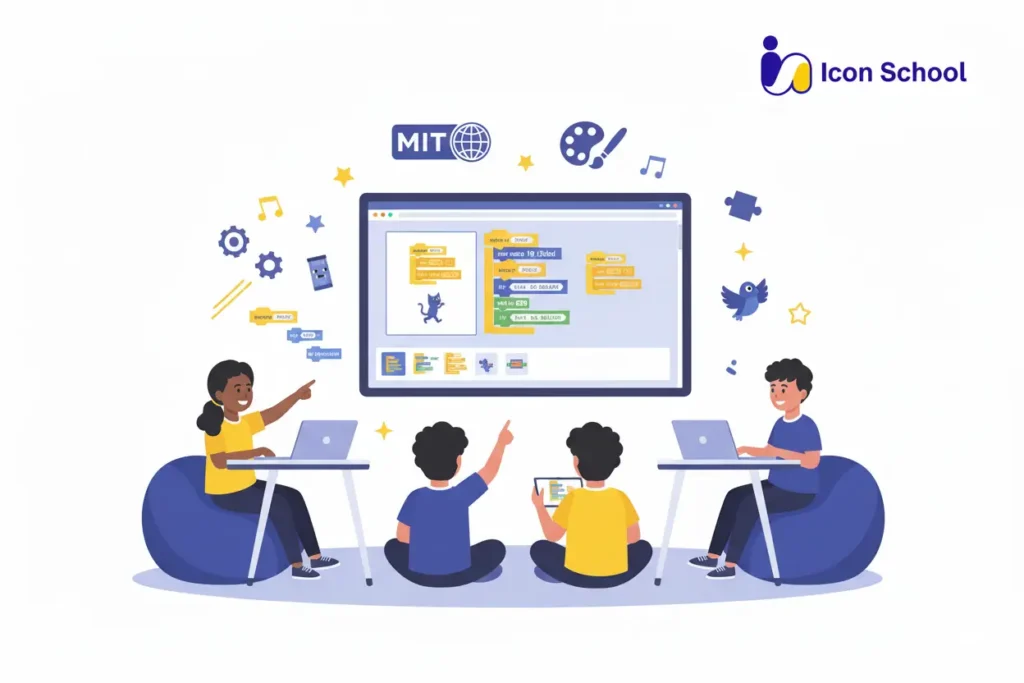
Scratch Origins and Educational Philosophy
Scratch wasn’t built as a game, it was designed as a creative learning tool inspired by modern child-development science and digital learning research.
Key points about Scratch’s origins and philosophy:
- Created by MIT Media Lab to help children learn programming by creating interactive projects like games and animations.
- Inspired by constructionism, which states that children learn best when they build and experiment, not memorize.
- Encourages the cycle of Imagine → Program → Play → Improve → Share, strengthening creativity, reflection, and collaboration.
- Designed for ages 7–16 but suitable for younger learners with guidance thanks to its simple drag-and-drop system.
- Supported by recent research — 2025 studies highlight Scratch as effective in improving attention, creativity, and computational thinking in primary learners.
How Scratch Works: Visual Block-Based Programming
Scratch uses a simple yet powerful visual approach that reduces frustration and boosts confidence.
How Scratch programming works:
- Block-Based Commands: Kids drag action blocks (move, turn, speak, play sound) instead of writing syntax eliminating errors caused by typing.
- Stage & Sprites: The screen (stage) shows characters (sprites). Each sprite gets instructions, letting kids animate characters and tell stories.
- Event-Driven Logic: Actions follow triggers like “when space key pressed” or “when sprite clicked,” building real programming thinking.
- Control Logic: Kids learn loops, conditions (if/else), variables, and sensors, core coding concepts practiced visually.
- Instant Feedback: Changes show immediately, helping children test, debug, and improve key problem-solving skills.
- Sharing & Remixing: Scratch’s global platform encourages students to publish projects and learn by exploring others’ code.
Benefits of Teaching Kids Programming Using Scratch
In a world driven by creativity and technology, teaching kids programming using Scratch offers far more than early tech exposure, it shapes how young minds think, imagine, and communicate. Scratch gives children a safe, play-based environment to build real digital projects, turning curiosity into capability.
At Icon School, children don’t learn alone; they grow through guided practice, supportive teachers, and collaborative challenges that transform simple coding lessons into confident digital expression and long-term skills for school and life.
Developing Logical Thinking and Problem-Solving Skills
Before kids can build creative games or animations, Scratch trains them to think in structured, solution-focused ways, a mindset that benefits every school subject and life task.
- Breaking Problems into Steps: Children learn to divide big tasks into small, manageable blocks, developing essential algorithmic thinking used in math and everyday planning.
- Understanding Cause-and-Effect Logic: Each coding block teaches logical reasoning “if this happens, then do that” building a strong foundation for advanced programming languages later.
- Debugging and Iteration: Kids practice testing, fixing, and improving their code, building resilience and analytical thinking instead of giving up when something doesn’t work.
- Real-Life Decision Making: The structured problem-solving mindset learned in Scratch helps kids tackle puzzles, homework challenges, and personal problem-solving more confidently.
Enhancing Creativity and Innovation
Scratch isn’t just about coding; it’s a creative playground where imagination comes alive through interactive digital stories, animated characters, and fun games.
- Transforming Ideas into Interactive Projects: Children turn original storylines, characters, and game concepts into working digital creations using simple drag-and-drop tools.
- Freedom to Experiment and Invent: Kids explore different styles, movements, sounds, and challenges, learning that innovation grows through trial, curiosity, and creativity.
- Learning Through Exploration: When something doesn’t work, kids adjust their ideas, growing flexible thinking skills and creative confidence.
- Sharing and Getting Inspired: Millions of Scratch projects spark inspiration, helping children broaden imagination and learn from other young creators globally.
Building Self-Confidence and Social Skills
Scratch empowers children to feel capable, confident, and ready to express themselves in a collaborative digital world.
- Pride in Achievement: Completing a game or animation gives kids a deep sense of accomplishment and belief in their abilities.
- Overcoming Challenges: By solving coding problems, children learn patience, persistence, and confidence in facing academic and personal challenges.
- Team Collaboration: Kids practice planning and creating projects together, building teamwork and communication skills.
- Project Presentation and Expression: Sharing their digital work strengthens storytelling skills and boosts public-speaking and self-expression abilities.
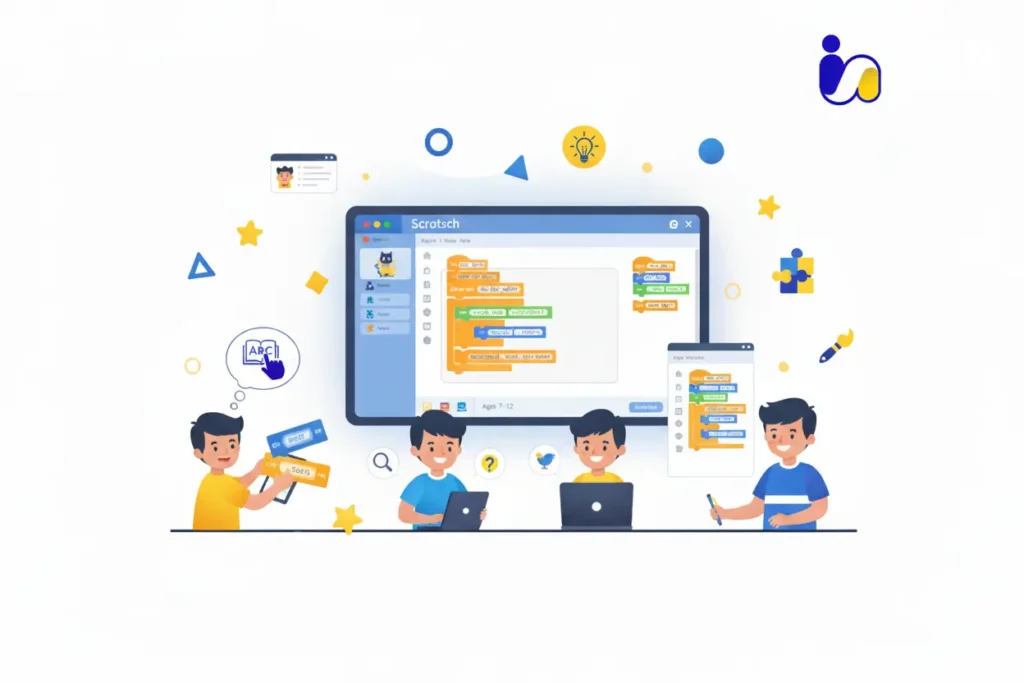
Appropriate Age to Start Learning Scratch: Is Your Child Ready?
Introducing children to Scratch at the right time can make coding not just a learning experience , but an exciting adventure. Most kids begin exploring technology early, but structured digital learning thrives when curiosity, imagination, and basic skills come together. Scratch supports this beautifully, providing a friendly pathway into programming that matches how young minds grow and discover.
With Icon School guiding every step, your child doesn’t simply “use Scratch”; they follow a tailored learning journey filled with fun projects, teacher support, and skill-building that prepares them for future tech success.
Recommended Age Group (7–12 Years)
Before diving into coding, kids need the right developmental foundation — and ages 7 to 12 offer the perfect window for learning Scratch.
- Ideal Start at Age 7: At this age, children begin thinking more structurally, making it easier for them to understand simple coding logic and follow step-by-step instructions.
- Basic Reading and Writing Skills: Kids who can read short instructions and type simple words can confidently navigate Scratch’s blocks and story elements.
- Comfort With Mouse and Keyboard: Scratch uses drag-and-drop blocks, so the ability to move a mouse, click, and type occasional commands makes learning smooth and enjoyable.
- Cognitive Ability to Understand Simple Logic: Children in this age range develop early problem-solving and cause-and-effect reasoning foundational skills in programming.
- Younger Learners Can Start With Support: Kids under 7 can explore Scratch Junior with adult guidance, focusing more on visuals, creativity, and story-based play than structured logic.
Indicators of Your Child’s Readiness to Learn Programming
Not every child starts coding at the same age, what matters most is readiness, curiosity, and willingness to try and explore.
- Interest in Technology and Games: Children who enjoy exploring apps, digital games, or curious technology questions often adapt quickly to coding environments.
- Ability to Focus for 15–20 Minutes: Short attention bursts are enough for early Scratch projects, which break learning into playful steps.
- Curiosity and Love for Discovery: Kids who enjoy experimenting, building, or asking “what happens if…?” naturally thrive in Scratch’s creative environment.
- Patience and Willingness to Try Again: Coding involves trial and error, children who keep trying when things don’t work immediately are ready to learn.
- Parent Readiness Check: Parents can observe how their child responds to puzzles, learning games, or creative apps, excitement, persistence, and curiosity are strong readiness signals.
Basic Programming Concepts Children Learn in Scratch
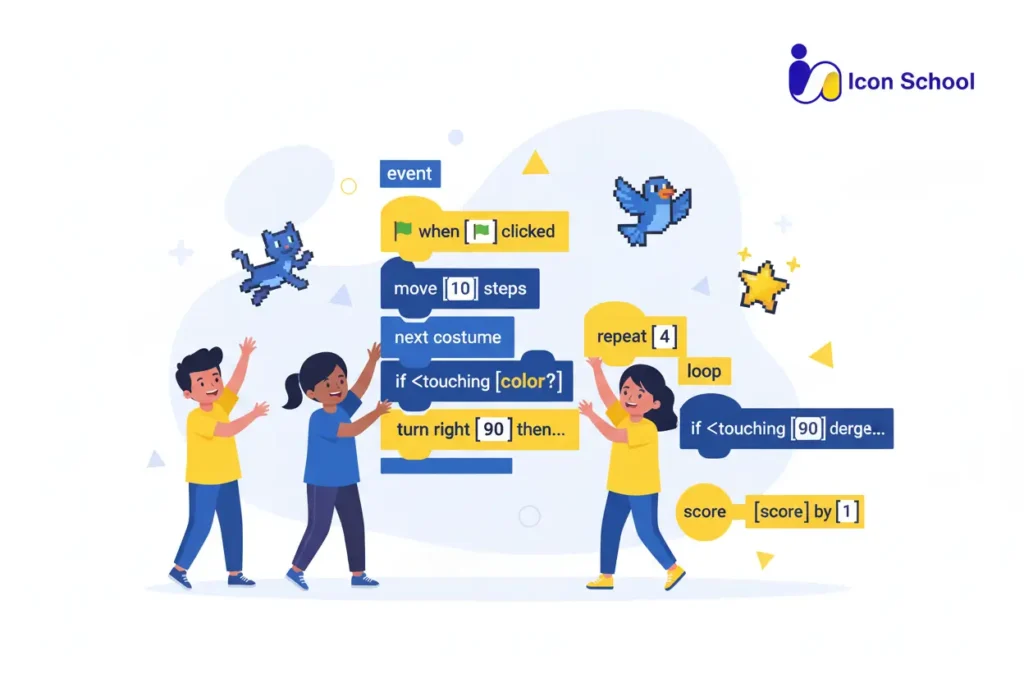
When children learn Scratch, they embark on a journey that goes far beyond dragging blocks. They begin to grasp programming fundamentals such as sequences, events, loops, decisions, and variables all presented in a playful, visual format. For young learners, this turns what once seemed like a foreign “code language” into something tangible and intuitive.
By diving into these programming concepts early, children build a solid technical understanding, sharpen their thinking, and gain confidence to explore future technologies and digital creations.
Events and Program Sequencing
In Scratch, events and sequencing are the foundation of any interactive project. Kids learn that programs respond to triggers and execute instructions in a specific order.
- Events trigger action:Pressing the green flag, clicking a sprite, or hitting a key starts the program, teaching cause-and-effect.
- Different event types: “When flag clicked” begins the program; “When sprite clicked” handles interaction; “When key pressed” responds to keyboard input; custom messages coordinate multiple sprites.
- Sequencing blocks: Commands execute in order, e.g., “move 10 steps → turn 15° → play sound,” guiding the sprite step by step.
- Order matters: Reversing blocks changes behavior; “play sound → move” differs from “move → play sound,” teaching logical planning.
- Applied example: A ghost waits for the green flag, glides 100 steps, says “Boo!,” then disappears, showing how events trigger sequences.
- Real-life transfer: Breaking tasks into steps, like planning homework, mirrors sequencing logic learned in Scratch.
Loops and Their Importance in Programming
Loops help children repeat tasks efficiently, saving time and building programming patterns.
- What is a loop?: A block or set of blocks that repeats actions automatically, avoiding manual repetition.
- Scratch loop types:“Repeat X times” runs a set number of times; “Forever” repeats indefinitely; “Repeat until” continues until a condition is met.
- Saving time and effort: Instead of dragging a block 20 times, a loop executes all repetitions in one instruction, teaching efficiency.
- Example – geometric shapes: “Repeat 4 times { move 50 steps; turn 90° }” draws a square, linking coding to math.
- Common mistakes: Placing instructions outside the loop, forgetting stop conditions, or not resetting variables can cause unexpected results.
- Why loops matter: Loops teach pattern recognition, task structure, and understanding when repetition is useful, preparing children for advanced programming.
Conditions and Decisions (If-Then Statements)
Conditions allow programs to make decisions, introducing children to flexible logic.
- What are the conditions?: “If-then” blocks execute actions only if a specific situation is true.
- Interactive behavior: Kids can program: if a sprite touches the edge → bounce; if the space key is pressed → jump; if score > 10 → show “You win”.
- Using conditions builds logic: Programs change behavior based on events, teaching adaptive thinking.
- Applied example:In a game, if a sprite collects a coin → increase score; else if it hits a bomb → lose a life.
- Benefits:Teaches branching logic, decision-making, and prepares students for complex programming in the future.
- Daily life tie-in: Children naturally use if-then reasoning: “If I finish homework, then I’ll play outside,” mirroring programming logic.
Variables and Data Storage
Introducing variables gives children the power to store information and build richer programs and games.
Key points:
- What is a variable?: A placeholder that holds a value, for example, “score,” “lives,” or “timer.”
- Creating & using variables: In Scratch, kids use “Make variable” to name it (e.g., “Score”), then use blocks like “set Score to 0” or “change Score by 1.”
- Operations on variables: Set value, increase, decrease, and use in conditions (e.g., if Score > 10 then…).
- Game scenario example: A sprite collects stars; each star increases “Score” by 1. If the score equals 10, display “You Win.”
- Why it matters: Variables introduce children to data handling, real-time logic, and game mechanics, the same ideas used in professional games and software.
- Research support: Studies show that children using Scratch with variables gain a better grasp of state changes and interactive system design.
- Life-skill transfer: Understanding variables helps children track progress, monitor tasks, or even manage simple spreadsheets later in school.
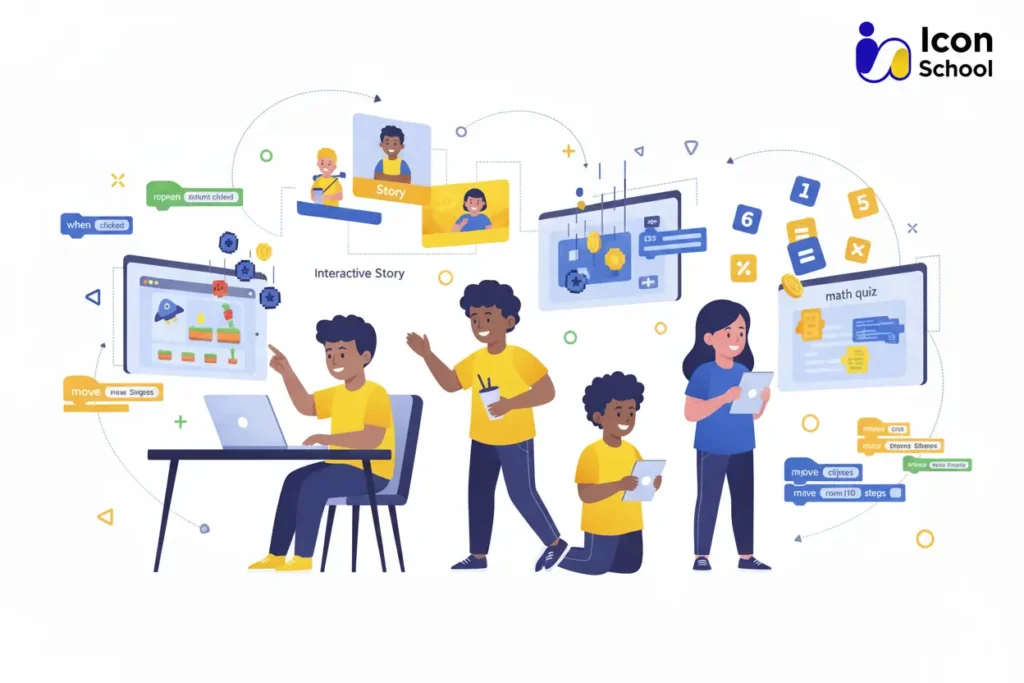
Fun Practical Projects Kids Can Build with Scratch
Learning becomes powerful when children see their ideas come to life and that’s exactly what Scratch does. Scratch by MIT turns imagination into real animated games and stories. Through hands-on projects, kids build skills step-by-step, gaining confidence as they experiment, solve problems, and feel proud of what they create.
Below are fun project ideas with increasing challenge levels.
Simple Catch Game
A Simple Catch Game is one of the best beginner projects on Scratch. Kids control a character like a bowl catching apples or a cat catching stars, using arrow keys to collect falling objects.
What kids learn:
- Movement & Controls: Using arrow-key blocks teaches direction, coordinates, and real-time control.
- Events & Conditions: They apply “if touching” and broadcast events to trigger actions like scoring points.
- Variables & Scoring: Kids create score counters, learning basic data handling.
- Game Mechanics: Loops control falling items, and kids program new items to appear randomly or increase speed.
- Upgrades & Creativity: Children add extra levels, sound effects, and special objects like bombs or golden stars.
Interactive Animated Story
Scratch is a digital storytelling playground. Children create animated stories with talking characters, music, and changing scenes.
What kids explore:
- Character Design & Expression: Choosing or drawing sprites builds creativity and digital art skills.
- Dialogues & Emotions: Timed speech bubbles help kids practice communication and pacing.
- Scenes & Transitions: Switching backdrops teaches sequencing and storytelling flow.
- Voice-overs & Sound: Adding narration and music enhances drama and emotional tone.
- Plot Imagination: Kids practice creating a beginning, middle, and ending improving creative writing skills.
Interactive Calculator or Math Quiz
This project combines coding with academics, making it ideal for parents who want educational value. Kids build a calculator or a quiz that asks math questions, receives answers, and gives feedback.
Key learning benefits:
- Math Integration: Solving equations and generating numbers improves arithmetic skills.
- If/Else Logic: Kids learn conditions like “if answer = correct then add point.”
- Variables & Scoring: Score counters teach data storage and logic tracking.
- Random Questions: Random-number blocks create new math challenges every round.
- Gamification: Adding timers, badges, or cheering sounds makes learning motivating and fun.
Tips for Parents to Support the Programming Learning Journey
Supporting your child’s programming journey can turn curiosity into confidence and creativity. By guiding your child at home and reinforcing what they learn in class, you help them take ownership of their projects, think critically, and build digital skills that will last a lifetime.
Creating a Stimulating and Comfortable Learning Environment
A nurturing environment keeps your child motivated and engaged.
Tips for parents:
- Quiet, Organized Space: Set up a dedicated corner free of distractions, equipped with a computer or tablet and stable internet.
- Consistent Learning Time: Establish a regular schedule for coding practice, helping your child view programming as a skill, not just a game.
- Encourage Exploration: Let your child experiment with new Scratch blocks or tweak existing projects rather than giving them all the answers.
- Foster Independence: When mistakes happen, ask questions like, “What do you think will happen if we change this block?” instead of solving it for them.
- Celebrate Achievements: Praise every milestone, even small ones, such as moving a sprite correctly or completing a sequence.
- Make Learning Fun: Integrate mini-challenges, playful projects, and rewards to keep sessions light and engaging.
When You Need Professional Support: Icon School’s Specialized Programs
Sometimes, children need expert guidance to accelerate their learning and master coding concepts effectively. Icon School provides professional support tailored to young learners.
Why parents choose Icon School programs:
- Project-Based Curriculum: Children build interactive games, stories, and projects from day one, applying concepts hands-on.
- Specialized Trainers: Experienced instructors guide children using engaging, age-appropriate teaching methods.
- Individualized Monitoring: Teachers track progress, identify strengths, and provide personalized feedback.
- Supportive Learning Community: Kids share projects, collaborate, and learn teamwork in a safe, inspiring environment.
- Regular Assessments & Updates: Periodic evaluations ensure steady progress and guide next steps.
- Competitions & Challenges: Fun contests encourage creativity, innovation, and healthy competition.
Frequently Asked Questions About Teaching Kids Scratch Programming
Does my child need prior programming knowledge?
No prior programming knowledge is needed. Scratch is designed for beginners, and at Icon School, children start from the basics and quickly gain confidence through guided projects.
How much time does a child need to learn Scratch?
Learning is continuous, but children can create simple projects within a few weeks. Icon School’s structured curriculum accelerates progress while keeping it fun.
Can a child learn independently or need a teacher?
Self-learning is possible, but guided instruction from specialized teachers provides better understanding and faster skill development. Icon School offers expert support tailored for young learners.
Is Scratch useful for my child’s professional future?
Yes, Scratch builds strong programming foundations, computational thinking, and problem-solving skills valuable across all future careers.
What’s the next step after mastering Scratch?
After Scratch, children can transition to text-based programming languages like Python or JavaScript, using concepts they already learned to advance smoothly.
Are educational resources available in Arabic?
Yes, Scratch supports Arabic, and there are local resources in Egypt. Icon School also provides Arabic support and guidance for young learners.
Can my child participate in coding competitions?
Absolutely! Egypt hosts Scratch Olympiad competitions for students aged 7+, and Icon School helps children prepare and build projects ready for participation.
There’s no better time to ignite your child’s creativity and digital skills. With Icon School, learning Scratch becomes a fun, guided adventure where kids build games, stories, and interactive projects while developing critical thinking and problem-solving abilities. Give your child the tools to explore, experiment, and succeed in the digital world.So start their programming journey today and watch them grow into confident, innovative creators.