
Coding Games for Kids: A Simple Guide to Learning Programming
Modern screens captivate children endlessly, yet too often this time brings little beyond passive entertainment, leaving parents frustrated and unsure how to channel their child’s curiosity into meaningful skills. The challenge of finding educational games that are both fun and truly teach coding adds to the worry, especially when every child learns differently.
The good news is, the solution is simple. This guide on coding for kids games will show you how to transform screen time into real digital learning.
Why Coding for Kids Games Are the Future
In today’s digital era, children spend hours on screens, often consuming content passively without gaining meaningful skills. Parents face growing concern over wasted time and the challenge of providing educational experiences that are both engaging and effective. The need for a solution that transforms curiosity into real learning has never been greater.
Coding for kids games address this challenge by combining fun with education, teaching essential skills like problem-solving, logical thinking, and creativity, while keeping children motivated. Reading this guide will show you exactly how to turn screen time into a bright digital future for your child.
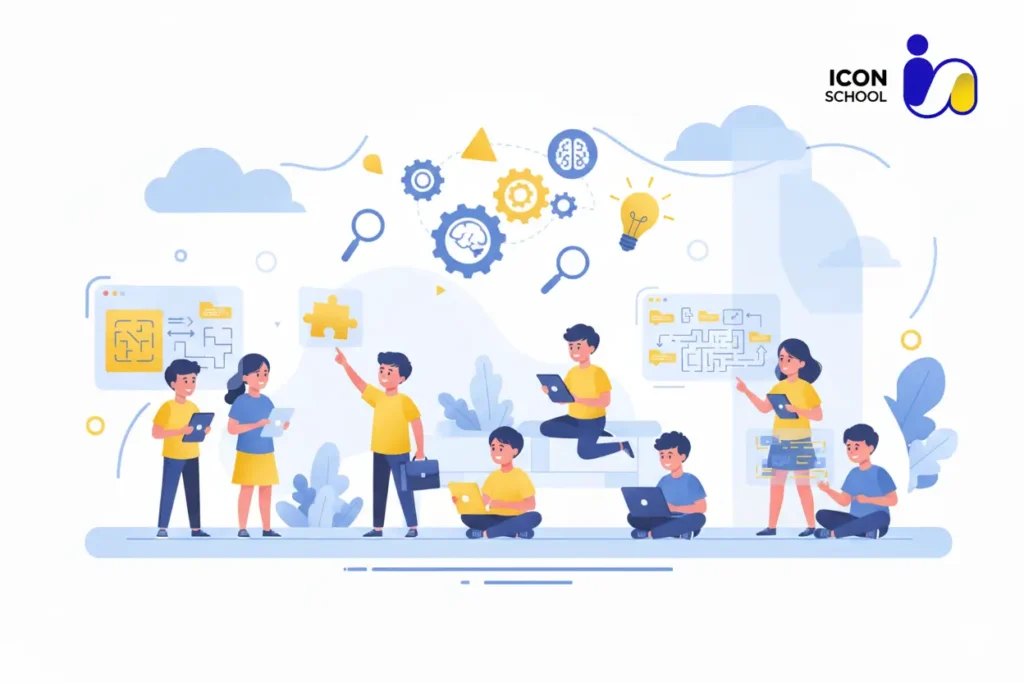
Developing Logical Thinking and Problem-Solving
Coding games teach children to tackle challenges step by step, enhancing logical reasoning, problem-solving, and the ability to debug and refine solutions, mirroring real-world scenarios.
- Step-by-step thinking: Games require children to follow sequences and algorithms, teaching them cause-and-effect relationships and structured reasoning.
- Debugging skills: Encountering errors in coding games helps children identify problems, analyze solutions, and try different approaches until success is achieved.
- Decision-making practice: Interactive coding challenges often present multiple possible paths, encouraging children to weigh options and make informed choices.
- Persistence and resilience: The trial-and-error nature of coding nurtures a mindset that sees mistakes as learning opportunities rather than failures.
Enhancing Creativity and Imagination
Beyond logical skills, coding games are a playground for creativity. Children are given tools to design their own projects, from animations to interactive stories, fostering imagination in a structured environment.
- Project creation: Games allow children to build their own applications, characters, and simulations, giving a sense of ownership and pride in their work.
- Exploring innovative solutions: When faced with coding challenges, children often discover unique ways to achieve goals, stretching their creative thinking.
- Storytelling through code: Many coding platforms integrate narrative elements, encouraging children to blend storytelling with programming logic.
- Visual expression: Block-based programming tools help younger children experiment with colors, shapes, and interactive elements, linking creativity with problem-solving.
Building Confidence and Perseverance
Engaging in coding games instills confidence in children as they witness the tangible results of their efforts. Completing projects, solving complex challenges, and debugging successfully boosts self-esteem and encourages perseverance.
- Immediate feedback: Coding games provide real-time responses, helping children see the impact of their decisions and solutions.
- Sense of accomplishment: Successfully completing levels or projects reinforces confidence and motivates further exploration.
- Encouraging persistence: Repeated challenges teach children not to give up easily, building resilience for academic and personal growth.
- Skill mastery: As children advance through increasingly complex coding games, they recognize their own improvement, fostering self-assurance.
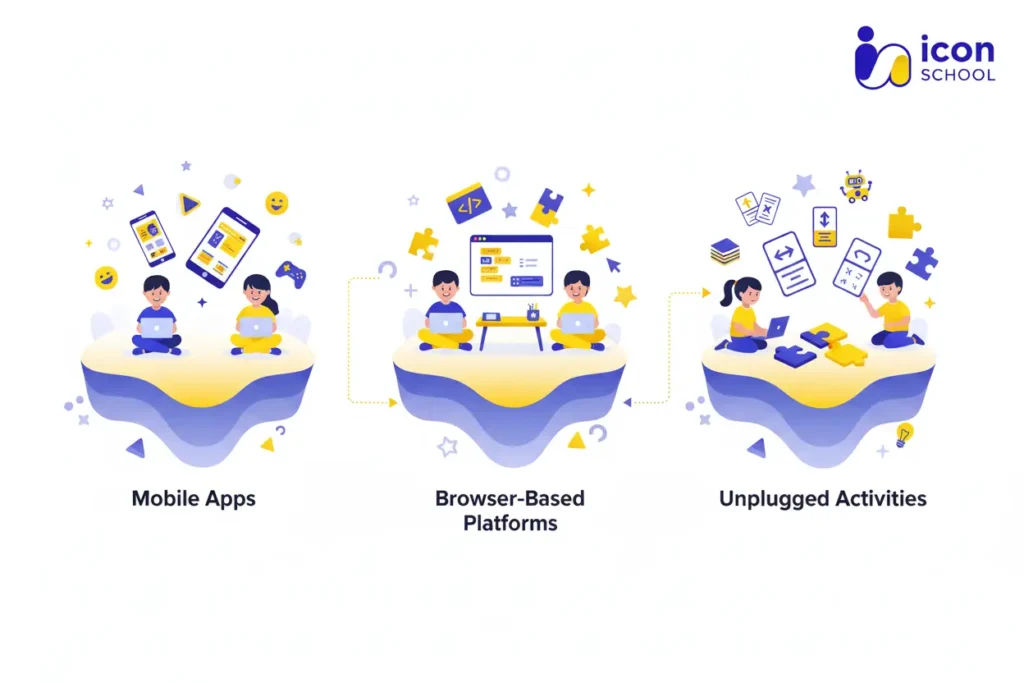
Types of Coding for Kids Games Available in 2025
As technology evolves rapidly, the range of coding for kids games has expanded significantly, offering multiple formats to suit different learning styles and ages. Parents today are looking for solutions that are not only fun but also effective in building essential STEM skills.
Whether your child enjoys mobile interaction, online collaboration, or hands-on problem-solving, there are options tailored to each preference. Understanding the types of coding games available in 2025 helps you choose the right tools to spark curiosity, creativity, and practical coding skills in your child.
Smartphone and Tablet Apps
Smartphone and tablet apps provide children with immediate access to interactive coding experiences anywhere, making learning portable and engaging.
- Accessibility: Apps are available on iOS and Android, allowing children to practice coding on devices they already use daily.
- Interactive tutorials: Many apps use gamified lessons where children solve puzzles, complete missions, and unlock levels, reinforcing concepts through play.
- Age-specific design: Apps often cater to different age groups, with block-based visual coding for younger children and text-based coding for older kids.
- Practical skills: Through app-based coding, children learn logic, sequencing, and debugging in a structured, user-friendly environment.
- Offline capabilities: Some apps allow offline use, making learning flexible even without a constant internet connection.
Online Coding Platforms
Online platforms provide a broader environment for children to explore programming concepts, collaborate with peers, and access rich educational resources.
- Comprehensive curricula: Platforms often include step-by-step lessons in languages like Python, JavaScript, or Scratch, suitable for beginners to advanced learners.
- Community interaction: Many platforms offer forums or coding clubs where children can share projects, receive feedback, and learn collaboratively.
- Project-based learning: Platforms emphasize creating real projects such as games, animations, or websites, helping children apply concepts practically.
- Progress tracking: Parents can monitor their child’s progress, identifying strengths and areas needing support, ensuring continuous development.
- Integration with schools: Some platforms are designed to complement formal education, providing structured coding lessons aligned with curricula.
Unplugged Coding Games
Not all coding experiences require screens. Unplugged coding games teach programming concepts through hands-on activities, fostering creativity and problem-solving without a device.
- Tangible learning: Children manipulate physical objects, cards, or boards to simulate algorithms and sequences, making abstract ideas concrete.
- Collaboration and teamwork: Many unplugged games encourage group participation, enhancing social skills alongside coding concepts.
- Creativity and storytelling: Activities often include storytelling or scenario-based challenges, allowing children to use imagination while learning logical sequences.
- Foundational skills: Unplugged games are excellent for introducing younger children to core concepts like loops, conditionals, and functions before moving to digital platforms.
- Screen-free balance: These activities reduce screen fatigue while still reinforcing critical thinking, preparing children for future digital coding tasks.
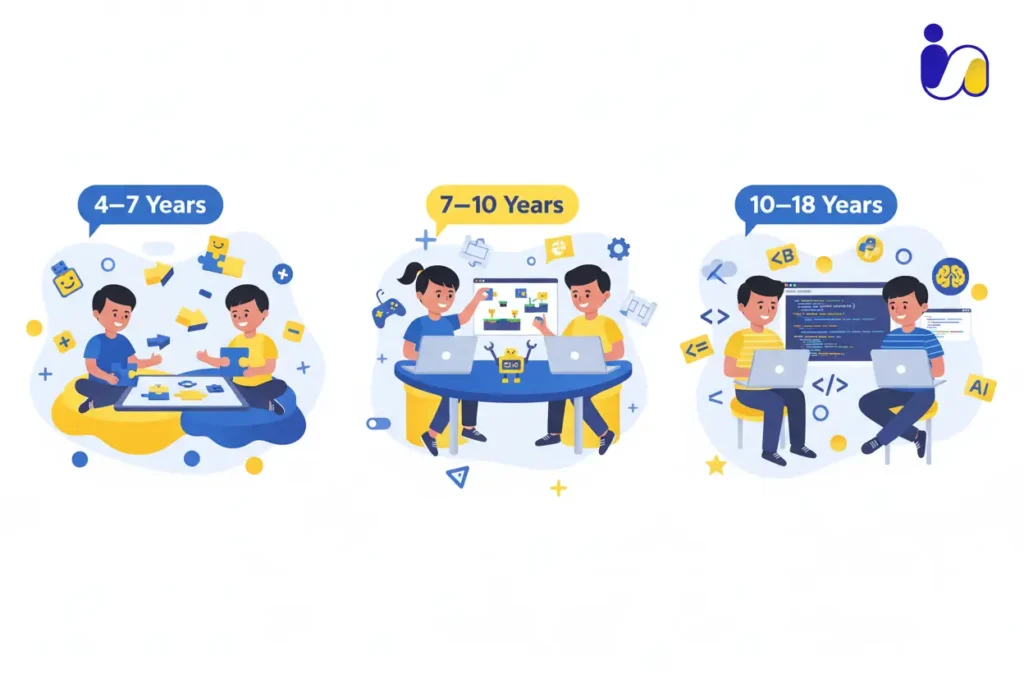
Choosing Coding for Kids Games by Age Group
When it comes to coding for kids games, choosing the right game for your child’s age is just as important as choosing the game at all. Different age groups require different levels of challenge, support, mode of interaction, and motivation.
For parents seeking to introduce coding to their child, or to support a teenager advancing toward real-world programming, this guide outlines how to choose wisely and match your child’s developmental stage.
For Children Ages 4‑7: Fun Beginnings
At this young age, the ideal coding games emphasise play, exploration, and very gentle introduction to sequencing and logic rather than syntax or complexity. Research finds that children as young as 4–6 years can benefit from coding interventions when the format is age‑appropriate.
What to look for:
- Games with block‑based visual code or drag‑and‑drop commands, where reading literacy is not required.
- Bright, friendly characters, short puzzles, and immediate rewards that keep attention and encourage repeated play.
- Very short sessions (10‑15 minutes) to match young attention spans, and plenty of scaffolded support.
- Emphasis on familiar concepts like sequencing (“first do X, then do Y”), loops in simple form, cause and effect, rather than full programming languages.
For Children Ages 7‑10: Building the Foundation
Once your child is in the primary/elementary stage, you can transition from “fun beginnings” into games that build more structured skills, still playful but edging toward real concepts of logic, debugging, and creative problem-solving. According to recent reviews of apps for kids (ages 5‑10), this age bracket benefits from games that involve drag‑and‑drop blocks but also introduce ideas like variables, conditions, and simple functions.
Features to prioritise:
- Games that allow project creation: simple animations, mini‑games, allowing the child to customize and build rather than just follow steps.
- A progression path: start with purely visual blocks, then gradually shift toward text‑based or hybrid blocks/text so the child is ready for the next stage.
- Encouragement of debugging: games that prompt children to fix errors, test their logic, and iterate on their solutions.
- Parental/teacher dashboards so you can view progress, help when stuck, and link game outcomes to real skills (e.g., You built a mini‑game by yourself).
For Children Ages 10‑18: Advancing Toward Professionalism
Now the game changes: older children and teens are ready for serious coding experiences, bridging fun games with real-world programming languages and creative projects that can become portfolios. According to a “Top 5 Coding Games for Kids 2025” review, platforms aimed at ages 10‑18 include games like Roblox Studio and CodeCombat, which teach Lua scripting, Python, and JavaScript.
What to seek in this stage:
- Games or platforms that move from block‑based to actual text‑based languages (Python, JavaScript, Lua) so the child is ready for high school and beyond.
- Project‑based games: designing apps, publishing games, collaborating online, presenting their work, building portfolios.
- Challenges that mirror real‑world programming: debugging code, version‑control style modifications, refactoring, even simple software architecture.
- Support for creativity and entrepreneurship: ideally, the game allows sharing/publishing work, peer review, and perhaps monetisation or academic credit.
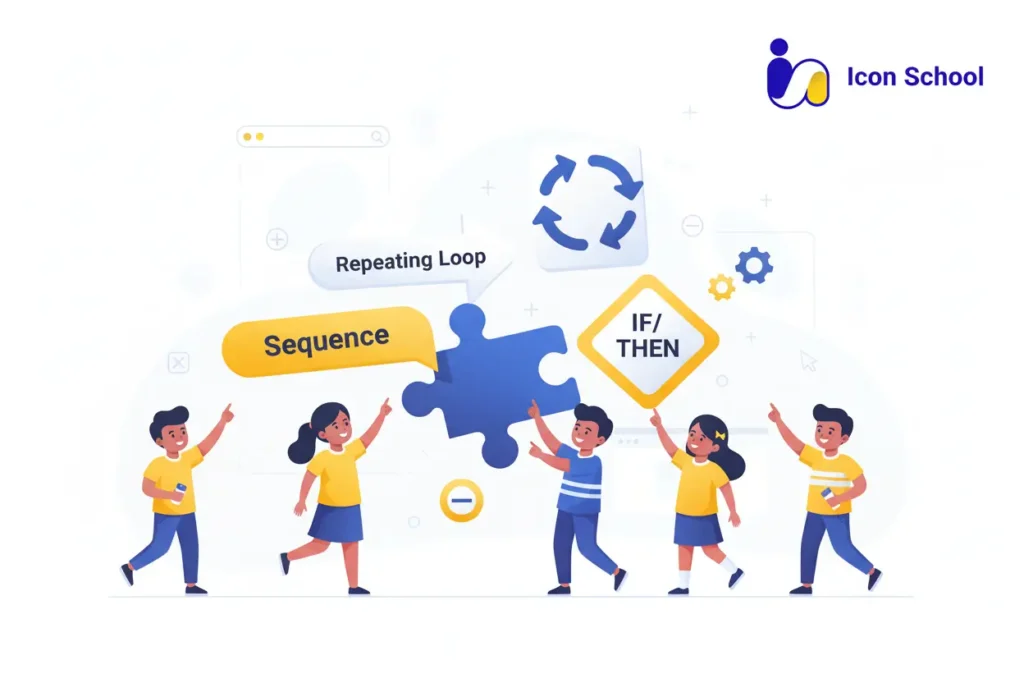
Basic Programming Concepts Taught by Games
Coding games for kids do more than entertain, they provide the first hands-on experience with essential programming concepts. Parents often worry that abstract ideas like loops, conditions, and sequences might be too advanced for children, but well-designed games make these concepts tangible and fun.
Through gameplay, children experiment, make mistakes, and immediately see the results of their actions, which reinforces learning in a natural, interactive way. Understanding these basic programming building blocks sets a strong foundation for future coding success.
Sequencing and Sequential Commands
Sequencing is the backbone of all programming. Games introduce children to the idea that the order of instructions matters, and that even simple commands need to follow a logical path to achieve a desired result.
- Step-by-step exploration: Children are guided through challenges where they must move characters, solve puzzles, or complete tasks in the correct order, seeing immediate results for each step.
- Cause-and-effect storytelling: A child programs a character to collect stars, and learns that moving before jumping leads to failure, while the correct sequence completes the level.
- Error discovery and learning: When a sequence is wrong, the game visually shows what failed, encouraging kids to analyze the problem and correct it.
- Progressive complexity: Early stages may use 2–3 steps, while advanced levels gradually introduce longer sequences, combining multiple actions into a chain of commands.
Loops
Loops teach children how to repeat tasks efficiently without rewriting instructions—a concept critical in programming and problem-solving.
- Visual repetition: Children create loops to move a character multiple times or repeat a pattern, understanding repetition through immediate in-game feedback.
- Pattern recognition: Games present challenges that encourage spotting recurring sequences, teaching children to use loops instead of repeating commands manually.
- Creative application: Children may design their own animation or mini-game where a loop controls repeated actions, seeing creativity and efficiency merge.
- Debugging loops: When loops don’t behave as expected, children experiment, learning trial-and-error strategies and iterative thinking.
Conditions and Decisions (If/Then)
Conditions and decision-making introduce children to the concept of logic-based choices, showing how programs can respond differently based on circumstances.
- Interactive decision-making: Children program characters that react differently depending on obstacles, color changes, or user input, learning that “if this, then that” guides outcomes.
- Problem-solving through branching paths: Games allow multiple ways to succeed, encouraging experimentation with conditional logic.
- Connecting logic to creativity: A child may create a game where a cat jumps only if a key is pressed, learning to link input with action.
- Reinforcing reasoning skills: By predicting outcomes before testing code, children develop critical thinking skills that extend beyond coding into real-life decision-making.
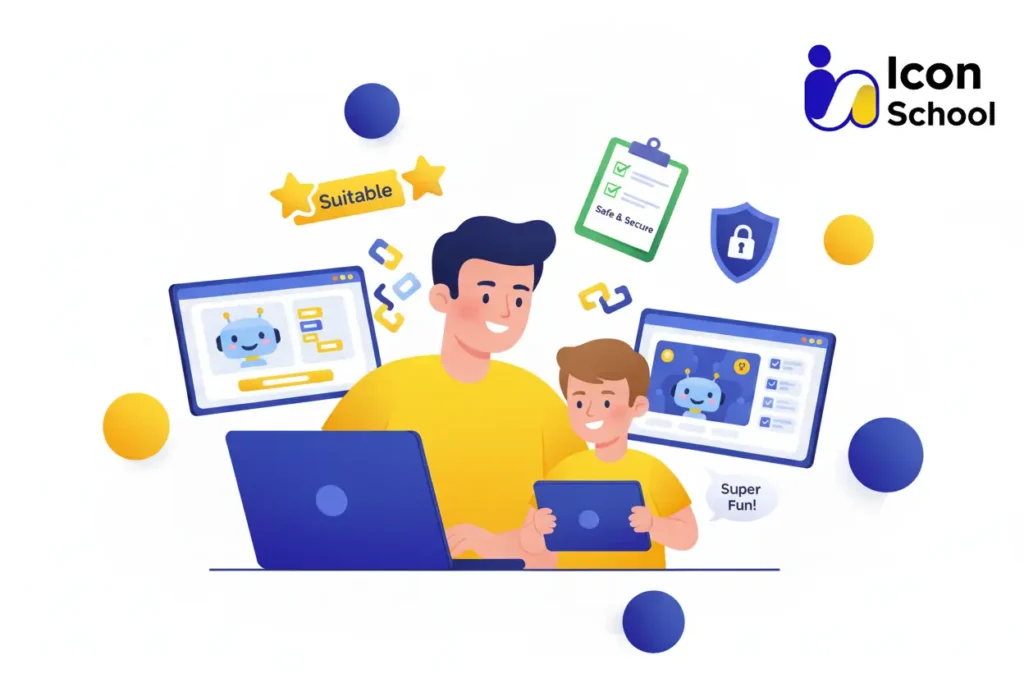
How to Choose the Best Coding for Kids Games
Choosing the right coding for kids games can feel overwhelming for parents, especially with so many options available in 2025. The challenge is finding games that are not only fun but also educational, age-appropriate, and effective in teaching foundational programming skills.
Parents want to ensure that every minute spent on screens becomes a productive, skill-building experience. By focusing on the right criteria, you can confidently select games that transform your child’s curiosity into real coding knowledge and lasting STEM skills.
Essential Selection Criteria
When evaluating coding games, keep these key factors in mind to ensure your child benefits fully:
- Age Appropriateness: Games should match your child’s developmental stage, providing challenges they can handle while keeping them motivated. Younger children (4–7) need visual, interactive blocks, while older children (10–18) can handle text-based coding and project-based tasks.
- Educational Value: The game should teach concrete programming concepts like sequencing, loops, and conditional logic, rather than just offering passive entertainment.
- Engagement and Fun: Look for games that reward progress, include interactive characters, and incorporate gamification elements to maintain attention and curiosity.
- Flexibility and Progression: Ideal games allow children to progress at their own pace, moving from simple puzzles to more complex projects as their skills grow.
- Parental Support Features: Dashboards, progress tracking, and resources for parents help monitor learning and provide guidance when children face challenges.
Try Before You Commit
Before investing time or money in a game, it’s crucial to test it and see how it fits your child’s interests and learning style:
- Free Trials or Demo Versions: Many apps and platforms offer limited free versions that let children explore core features before committing.
- Observe Engagement: Watch how your child interacts with the game. Are they motivated to solve challenges? Do they return to play without prompts?
- Check Learning Outcomes: Evaluate whether the game reinforces logical thinking, problem-solving, and creativity, rather than just offering flashy visuals.
- Parental Involvement: Engage alongside your child initially, helping them navigate instructions and encouraging exploration, which increases retention and excitement.
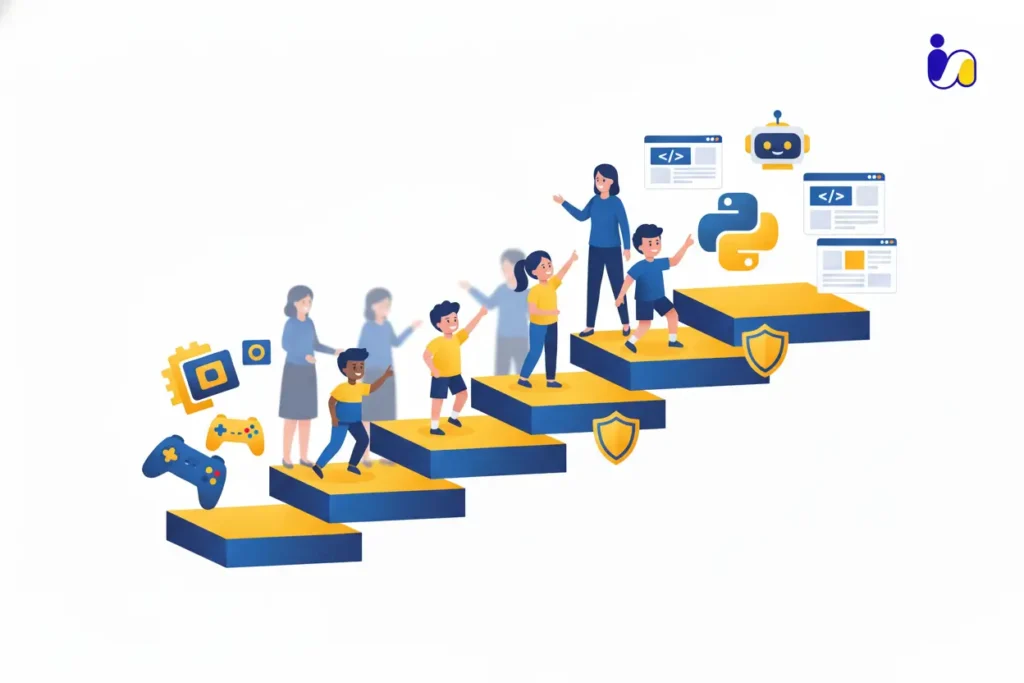
Icon School’s Role in Your Child’s Coding Learning Journey
For parents seeking a reliable partner in introducing coding to their children, Icon School offers a comprehensive solution that transforms curiosity into tangible digital skills. Many parents struggle with finding the right balance between fun, engagement, and effective learning.
Icon School bridges this gap by providing a structured, progressive coding pathway while keeping the learning process playful and motivating. From initial exploration to advanced projects, Icon School guides children through every step, ensuring their screen time translates into real skill development and confidence in technology.
From Play to Structured Learning
Icon School starts by harnessing the natural curiosity and playfulness of children, gradually channeling it into structured learning experiences:
- Interactive Play-Based Learning: Young children begin with games and activities that emphasize exploration, problem-solving, and logical sequencing, allowing them to enjoy coding in a safe, engaging environment.
- Gradual Skill Progression: As children master basic concepts, Icon School introduces more structured exercises, moving from visual block-based coding to text-based programming and project creation.
- Personalized Learning Pathways: Programs are tailored to each child’s pace and skill level, ensuring that learning challenges are motivating rather than overwhelming.
- Integration of Fun Projects: Children apply learned concepts by creating mini-games, animations, or apps, reinforcing understanding while keeping the process enjoyable.
- Encouragement of Perseverance: By turning mistakes into learning opportunities, Icon School teaches children resilience, problem-solving, and confidence in facing new challenges.
Icon School Program Features
Icon School offers a suite of features designed to support children and parents throughout the coding journey:
- Age-Appropriate Curriculum: Courses are segmented for different age groups (4–7, 7–10, 10–18), ensuring that children engage with content suitable for their developmental stage.
- Variety of Learning Tools: Students access interactive apps, online platforms, and unplugged activities that reinforce programming concepts in multiple formats.
- STEM Integration: The curriculum emphasizes logical thinking, problem-solving, and creativity, linking coding to broader STEM learning objectives.
- Parental Dashboards: Parents can track progress, view completed projects, and identify areas where their child may need additional guidance.
- Expert Support: Trained instructors provide mentorship, answer questions, and offer feedback to ensure children remain engaged and confident in their coding skills.
- Project Showcases: Children have opportunities to present their games and projects, fostering communication skills, pride in their work, and motivation to continue learning.
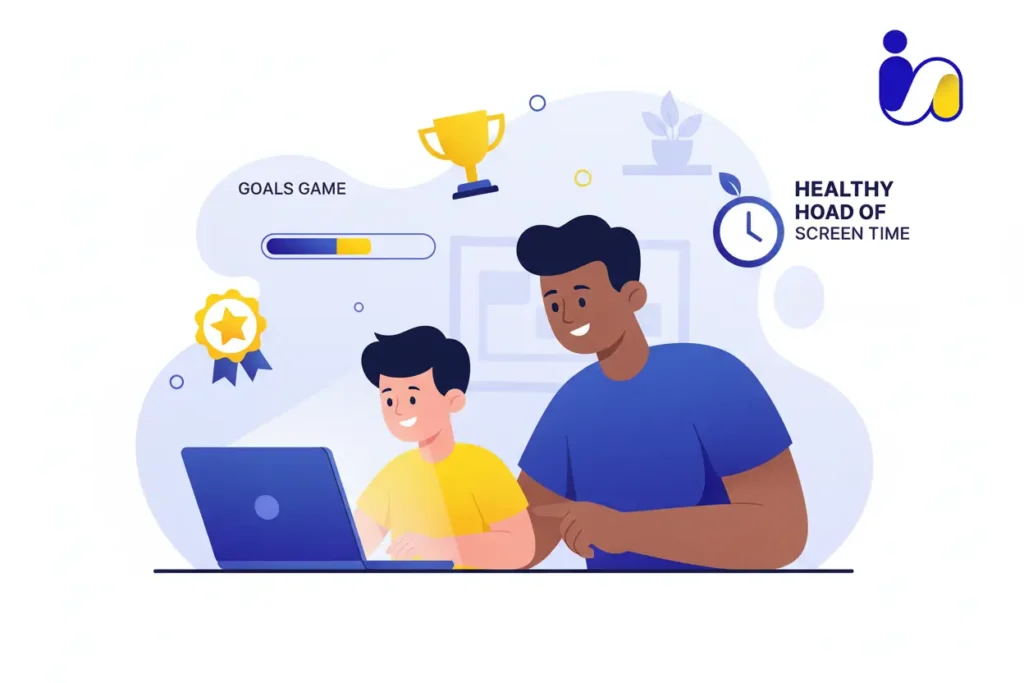
Tips for Parents to Maximize Benefits from Coding for Kids Games
Parents play a crucial role in transforming coding for kids games from simple entertainment into a meaningful learning experience. Many worry that children might struggle, lose interest, or fail to gain real skills from games alone.
By actively supporting, observing, and engaging with their child’s coding journey, parents can ensure that screen time becomes a productive, confidence-building activity. Here are practical tips to maximize the benefits:
- Engage and Participate: Take time to explore coding games alongside your child. Ask questions, encourage problem-solving, and celebrate small victories. This not only reinforces learning but also strengthens parent-child bonds.
- Set a Consistent Schedule: Encourage short, regular sessions rather than occasional marathon play. Consistent practice helps children retain concepts like loops, sequencing, and conditional logic, while keeping them motivated without feeling pressured.
- Balance Fun and Challenge: Select games that are age-appropriate but progressively challenging. Games that are too easy can bore children, while overly complex games may lead to frustration. Look for platforms with adaptive difficulty levels or stepwise progression.
- Encourage Project-Based Learning: Support children in creating mini-games, animations, or apps. Completing projects gives a tangible sense of achievement, reinforces learned concepts, and promotes creativity and perseverance.
- Monitor and Reflect: Use parental dashboards or progress reports to track achievements, understand problem areas, and provide guidance when needed. Asking your child to explain their code teaching is a proven method to deepen understanding.
- Promote Peer Learning: Encourage collaboration with friends or online coding communities. Discussing ideas, sharing projects, and solving challenges together develops teamwork, communication, and social confidence alongside coding skills.
- Celebrate Progress: Recognize effort, milestones, and innovative ideas. Positive reinforcement boosts motivation, instills pride in accomplishments, and encourages continued learning.
The digital world is evolving rapidly, and early exposure to coding empowers your child with logical thinking, creativity, and problem-solving skills that will shape their future. By choosing the right coding games and supporting their journey, you transform screen time into meaningful learning. So give your child the tools to thrive in technology and set them on a path to success while enroll them in Icon School today and start their coding adventure.